Remove Background Online
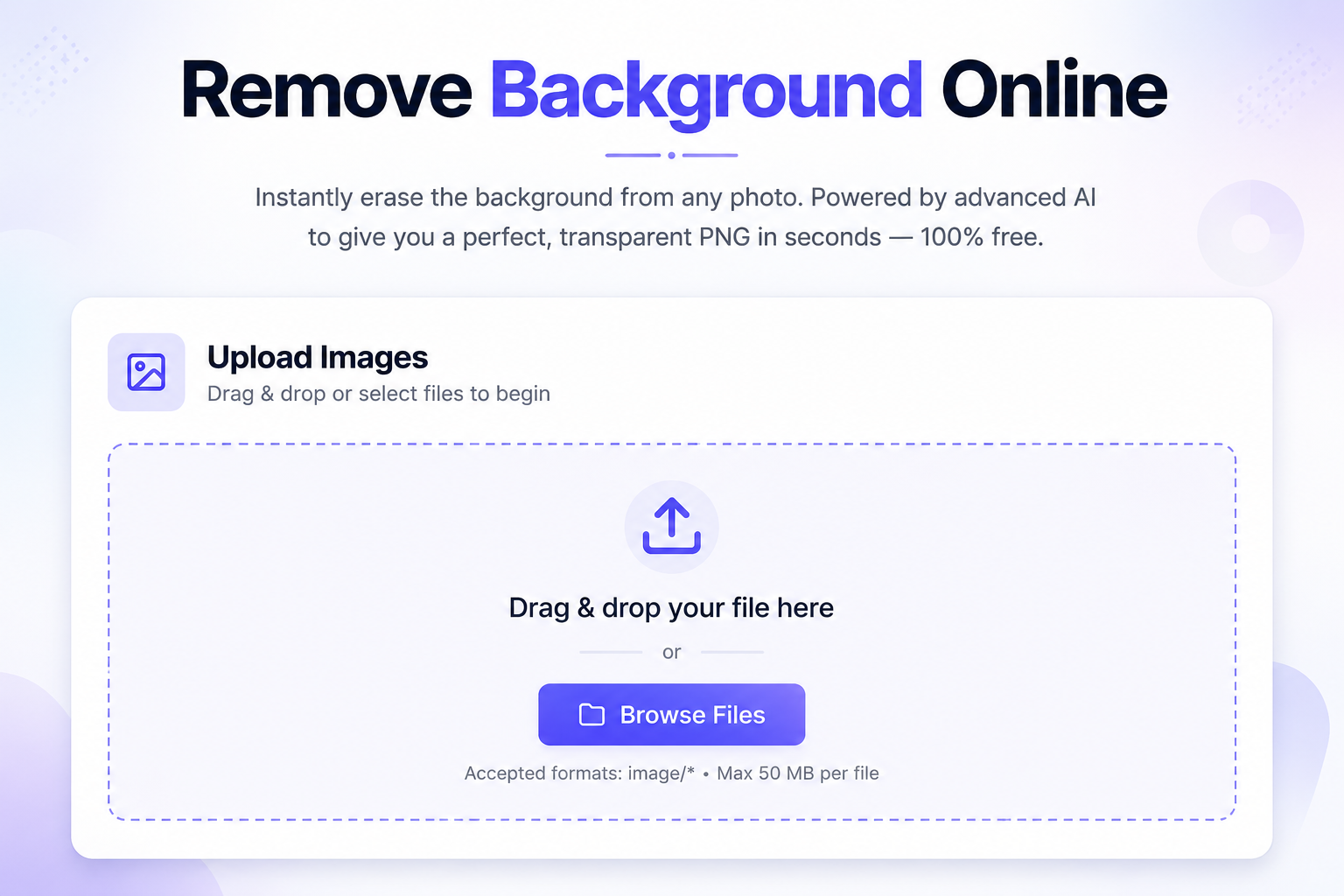
Instantly erase the background from any photo. Powered by advanced AI to give you a perfect, transparent PNG in seconds — 100% free.
Upload Images
Drag & drop or select files to begin
Drag & drop your file here
or
Accepted formats: image/* · Max 50 MB per file
AI-Powered
Advanced AI technology for precise background removal
High Quality
Maintains image quality while removing backgrounds
Instant Download
Download your processed images immediately
How to Remove Background from an Image
The whole process is 100% automatic and takes just seconds. Follow these steps:
Upload your photo
Drag and drop your image into the upload box, or click to browse files. Choose a clear photo where the subject is easily visible.
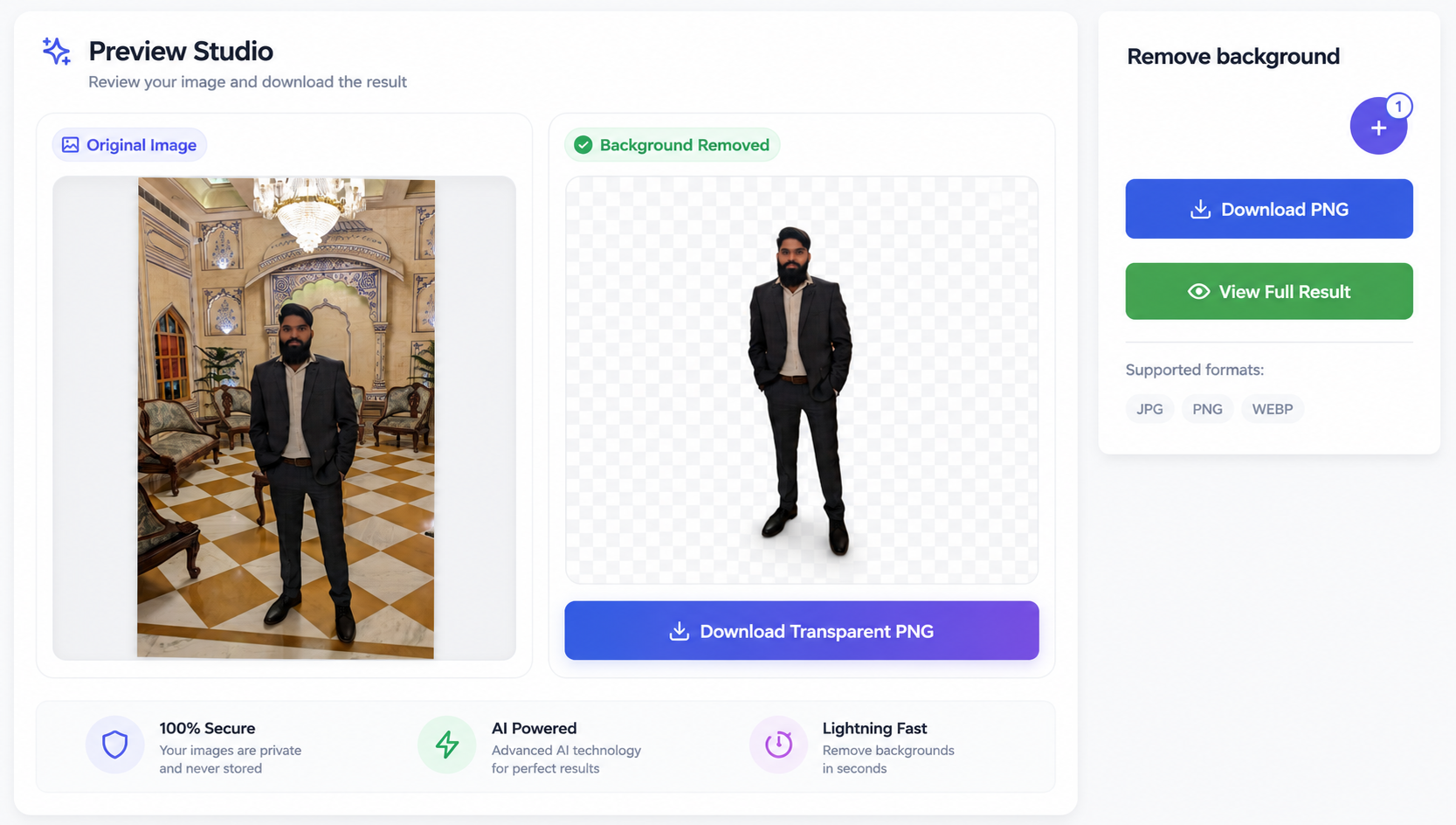
AI Magic Happens
Sit back and relax for a few seconds. Our advanced AI instantly analyzes your photo, detects the edges of the subject, and completely erases the background.
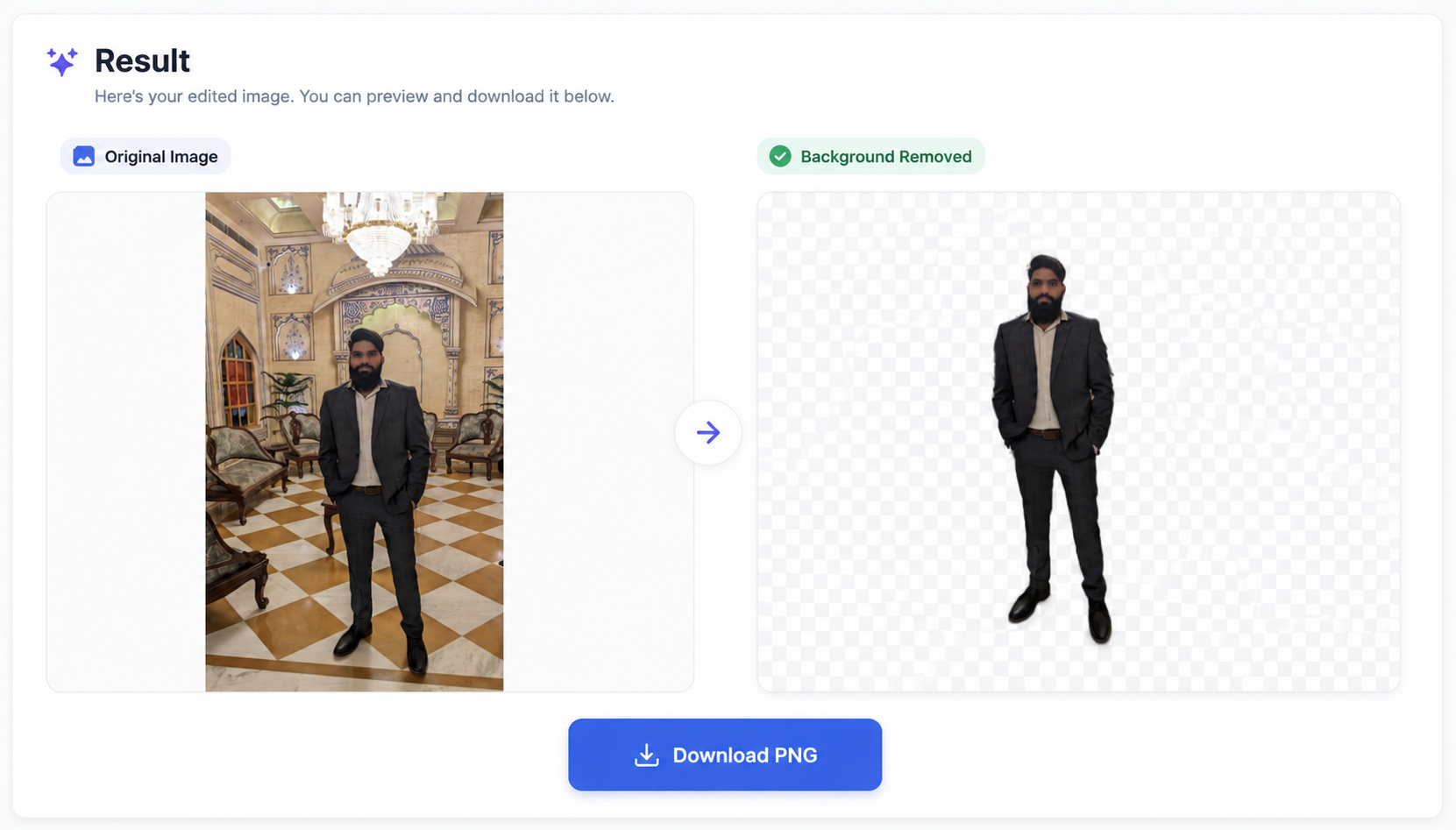
Download your transparent PNG
Preview the stunning result in our side-by-side comparison view. When you're happy, just click Download to save the perfect, transparent PNG file.
⚡ Quick Answer
To remove the background from an image, simply upload your photo and wait a few seconds. Our AI will automatically detect the main subject, erase the background, and provide a perfectly transparent PNG image ready for download.
- Formats: JPG, PNG, WebP, and standard image formats
- Technology: Powered by advanced AI (IS-Net) for pixel-perfect edge detection
- Quality: The original resolution and quality of the subject are preserved
- Free: No signup, no watermarks, completely free to use
Why Remove Backgrounds from Images?
Removing backgrounds is essential for creating professional graphics, whether you are selling products online or creating marketing materials. A transparent background allows you to place your subject seamlessly over any new background color, pattern, or environment.
- E-commerce: Amazon and Shopify require clean, white, or transparent backgrounds for product listings.
- Marketing & Social Media: Create striking YouTube thumbnails, Instagram posts, and presentation slides.
- Graphic Design: Easily combine multiple images, overlay text, or create custom collages without clashing backgrounds.
How Does the AI Background Remover Work?
Unlike older tools that require you to manually draw borders or click on specific colors, our tool uses state-of-the-art Deep Learning models. When you upload a photo, the AI instantly analyzes the image to distinguish between the foreground (the subject) and the background.
It can accurately outline complex edges like hair, fur, and intricate shapes. The background pixels are then completely removed (made 100% transparent), leaving you with a clean subject that you can download immediately.
Remove Backgrounds on Your Phone
You don't need expensive desktop software like Photoshop to get professional results. Our background remover works perfectly on any device directly from your browser.
- Open the tool on your mobile browser (Safari, Chrome, etc.).
- Tap the upload area and choose an image from your photo gallery or take a new picture.
- Wait for the magic to happen, then tap download to save the transparent PNG to your phone.
Are My Photos Safe and Private?
Supported Image Formats
Our AI background remover accepts almost all standard image formats. The output will always be a high-quality PNG file to ensure the transparent areas are preserved perfectly.
| Format | Common source | Supported? |
|---|---|---|
| JPG / JPEG | Standard photos, phone cameras | ✅ Yes |
| PNG | Screenshots, graphics, logos | ✅ Yes |
| WebP | Web images, compressed graphics | ✅ Yes |
| GIF / BMP | Older image formats | ✅ Yes |
| Documents | ❌ No |
Background Removal Methods Comparison
| Method | Speed | Accuracy | Cost |
|---|---|---|---|
| PDFCraftor (AI) | Instant (2-3 sec) | High (AI-powered edges) | Free, no signup |
| Photoshop Magic Wand | Slow (Manual work) | Medium to High | Expensive Subscription |
| Other free tools | Varies | Low (leaves jagged edges) | Requires account/credits |
| Mobile apps | Fast | Medium | Full of ads or watermarks |
Pro Tips & Common Problems
| Issue | Fix |
|---|---|
| Edges look slightly blurry | Ensure your original photo is high resolution and in focus. The AI works best on sharp images. |
| Subject blends into background | Try using photos with good contrast between the subject and the background (e.g., a dark subject on a light wall). |
| File downloads as JPG | Our tool outputs PNG by default to preserve transparency. If it saves as JPG, your browser might be converting it. Ensure you click the "Download Transparent PNG" button. |
| Missing parts of the subject | If the subject is too complex or out of frame, the AI might get confused. Ensure the subject is clearly visible. |
Common Use Cases
- 📌E-commerce products: make your products pop on a clean white or transparent background.
- 📌YouTube thumbnails: cut yourself out of a photo to overlay on exciting backgrounds.
- 📌ID and Passport photos: remove distracting backgrounds for official document submissions.
- 📌Presentations & slides: add logos, people, or products to your slides without ugly white boxes.
Related Tools
- 🔧Convert Image to PDF — turn your images into a PDF document
- 🔧Compress PDF — shrink large PDF files for easy sharing
- 🔧Convert Image to JPG — convert PNG or WebP files to JPG
- 🔧Merge PDF — combine multiple PDF documents together