How to Online Edit PDF Files Free: Complete Beginner Guide
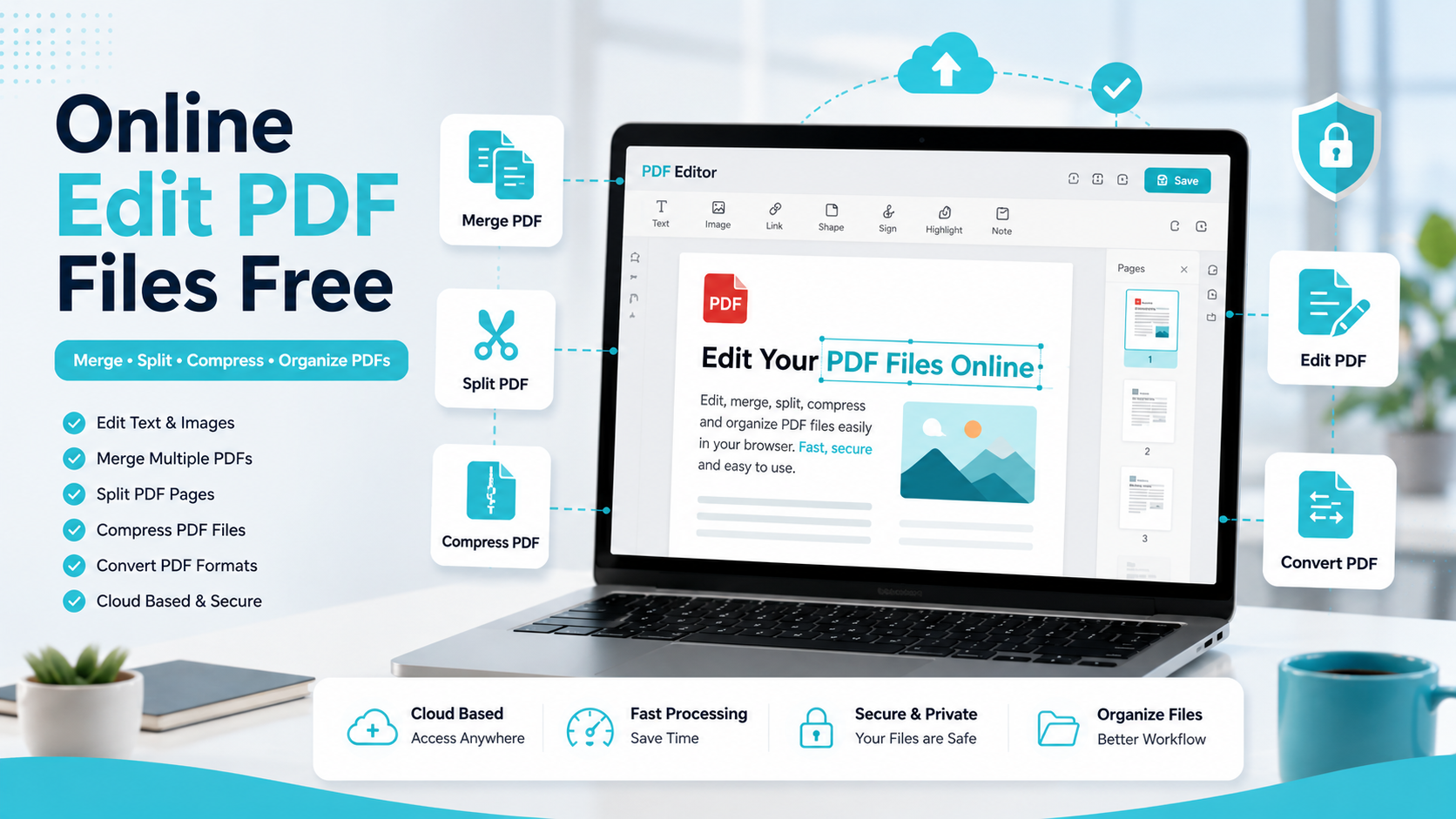
Editing PDF documents online has become easier than ever. Users can now modify PDFs directly from a browser without installing heavy software. Modern online PDF tools allow users to edit text, merge PDFs, split documents, compress files, and organize pages quickly from any device.
These tools are widely used by students, businesses, HR departments, banking teams, loan departments, and finance professionals for daily document management.
Quick Answer
Online PDF editors help users edit, merge, split, compress, and organize PDF documents directly from a browser. Users can modify files without installing software, making document management faster and more convenient across desktop and mobile devices.
What Is an Online PDF Editor?
An online PDF editor is a browser-based tool that allows users to modify PDF files without downloading desktop software.
Most online PDF tools support:
- PDF text editing
- Merge PDF
- Split PDF
- Compress PDF
- Page organization
- Format conversion
- Document annotation
Popular platforms include iLovePDF, Smallpdf, Foxit, and PDFCraftor.
Why People Edit PDF Files Online
PDF documents preserve formatting across devices, making them ideal for professional and educational use. However, editing PDFs traditionally required expensive desktop applications.
Online PDF tools simplify the process by offering:
- Fast editing
- Easy accessibility
- Cloud-based workflows
- Cross-device compatibility
- No installation requirements
How to Online Edit PDF Files
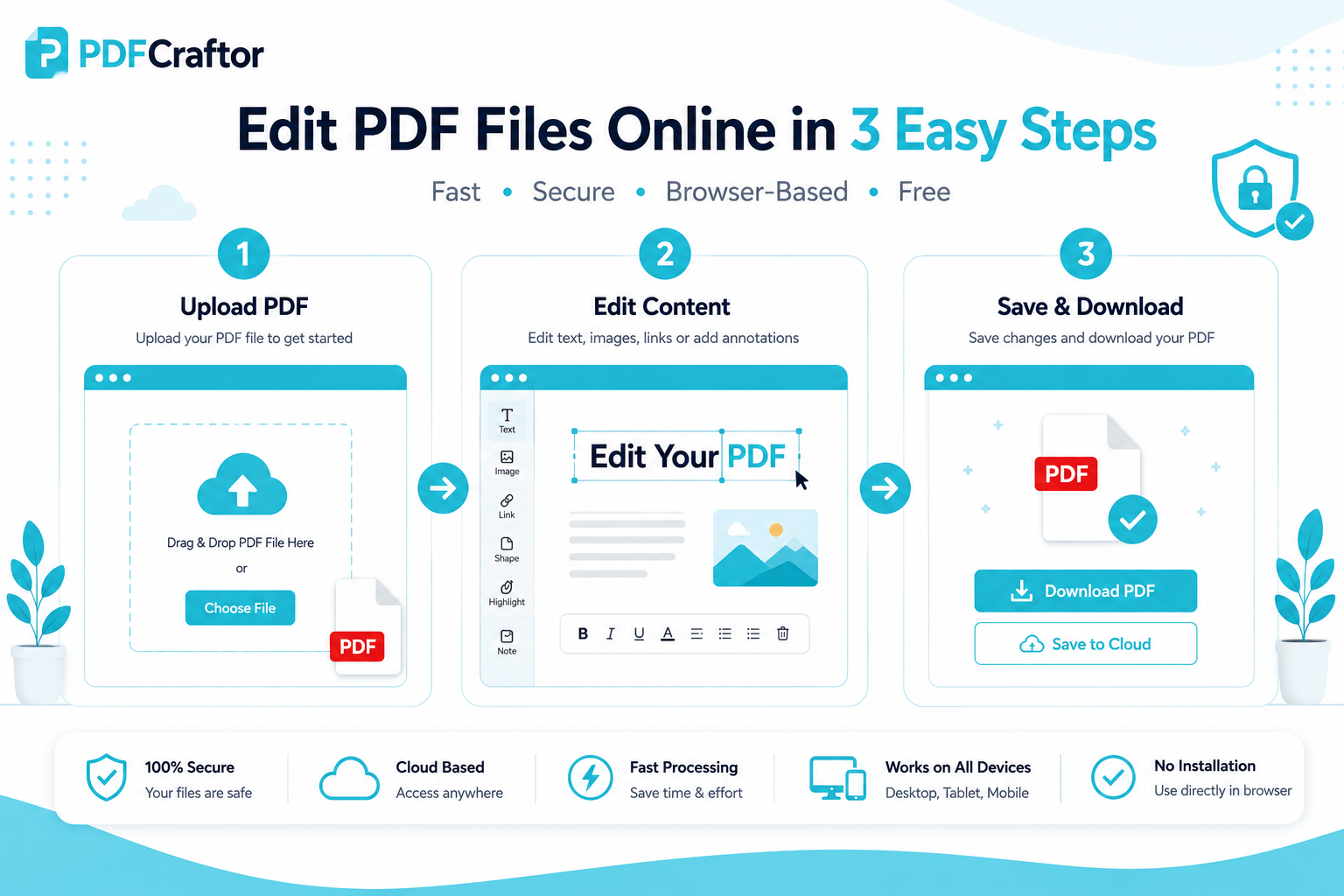
Step 1: Upload the PDF
Open a browser-based PDF editor and upload your document.
Most tools support:
- Drag-and-drop upload
- Mobile upload
- Cloud storage integration
Step 2: Edit the Document
You can:
- Modify text
- Highlight content
- Add annotations
- Insert images
- Rearrange pages
- Add signatures
Some advanced tools also support OCR technology for scanned PDFs.
Step 3: Save and Download
- Save the changes
- Download the updated file
- Share the document securely
Free Combine PDF Online: Merge Multiple PDFs into One PDF
Many users need to combine multiple PDFs into one PDF for easier sharing and organization.
This feature is commonly used for:
- HR document packages
- Student assignments
- Loan applications
- Business reports
- Financial documents
Benefits of Merging PDFs
| Benefit | Explanation |
|---|---|
| Better Organization | Keep related files together |
| Easier Sharing | Send a single file |
| Faster Printing | Print all pages at once |
| Professional Workflow | Cleaner document management |
One PDF to Multiple PDF: Split Large Files Easily
Sometimes users only need specific pages from a large document. PDF split tools help extract and separate pages quickly.
This is useful for:
- Bank statements
- Invoice pages
- Contracts
- Educational chapters
- Loan records
Best Features to Look for in Online PDF Tools
| Feature | Purpose |
|---|---|
| Edit PDF | Modify content |
| Merge PDF | Combine documents |
| Split PDF | Separate pages |
| Compress PDF | Reduce file size |
| OCR Support | Edit scanned PDFs |
Is It Safe to Edit PDFs Online?
Trusted PDF platforms usually use:
- HTTPS encryption
- Secure cloud processing
- Temporary file storage
- Automatic file deletion
Safety Tips
- Avoid unknown websites
- Do not upload highly confidential documents unnecessarily
- Keep backup copies of important files
- Use trusted PDF tools
How Students Use Online PDF Tools
Students frequently use PDF editors for assignments, research papers, exam forms, and project reports.
Online PDF tools help students:
- Merge reports
- Compress large files
- Organize pages
- Convert document formats
PDF Workflows for HR Departments
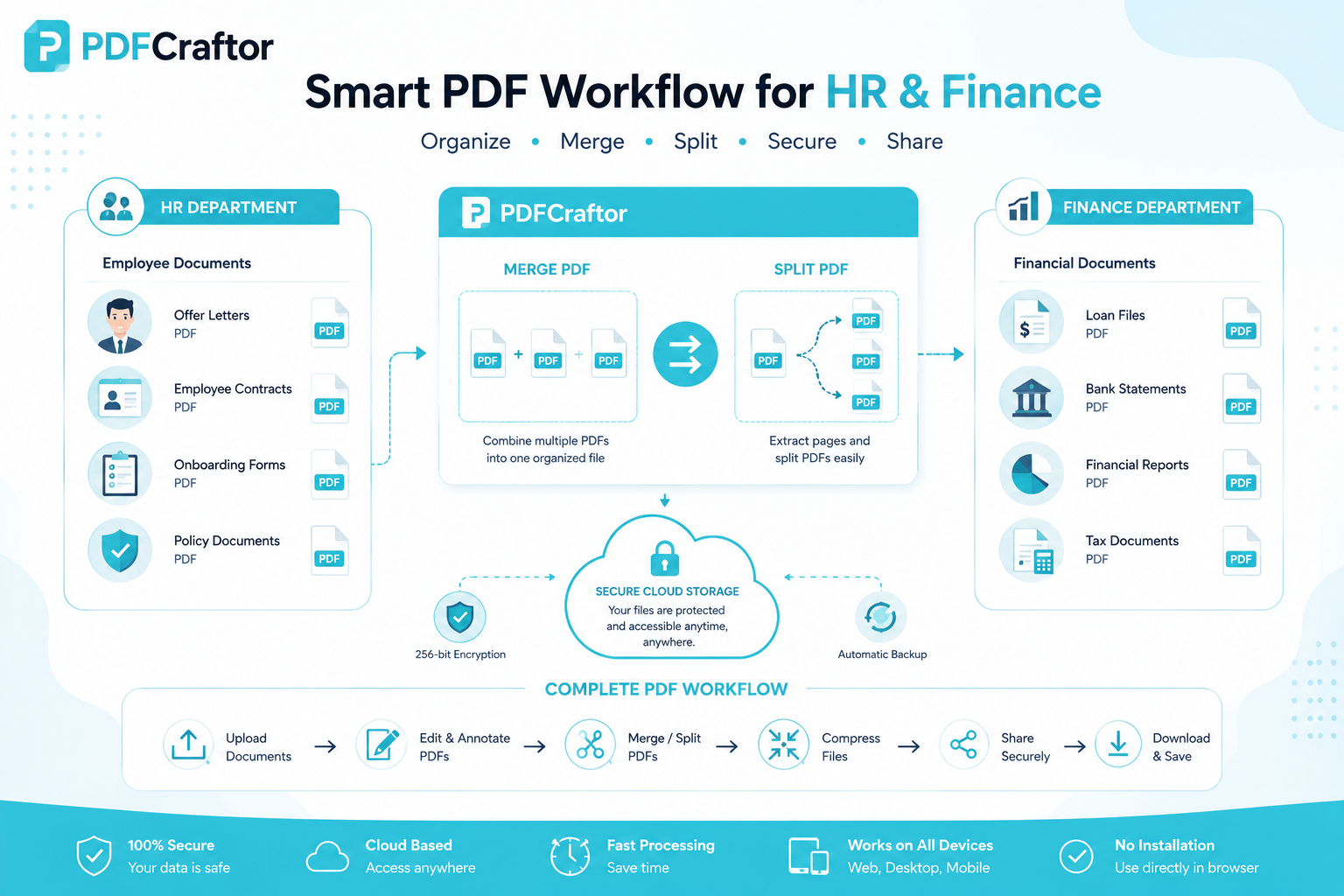
HR teams manage offer letters, resume files, onboarding documents, and policy forms regularly.
PDF tools simplify:
- Document organization
- File sharing
- Page management
- Form handling
PDF Management for Banking & Finance Teams
Banking and finance departments regularly process loan applications, KYC documents, statements, financial reports, and contracts.
Many professionals also use fixed deposit returns calculators and loan and interest calculators to generate financial reports that are later stored and shared as PDFs.
Best Practices for Managing PDFs Online
Compress Files Before Sharing
- Upload faster
- Save storage space
- Improve email delivery
Organize Documents Properly
Use clear file names and folders for easier document management.
Keep Backup Copies
Always save the original document before making edits.
Useful Online PDF Platforms
- iLovePDF
- Smallpdf
- Foxit
- PDFCraftor
These tools commonly support:
- PDF editing
- Merging
- Splitting
- Compression
- File conversion
FAQs
Can I online edit PDF files for free?
Yes. Many online PDF editors allow users to edit, merge, split, and compress PDF files without software installation.
How can I combine multiple PDFs into one PDF?
Upload multiple files into a merge PDF tool, arrange them in the correct order, and download the combined document.
Can I split one PDF into multiple PDFs online?
Yes. Most split PDF tools allow users to extract selected pages or divide large documents into smaller files.
Why is my PDF not editable?
Scanned PDFs require OCR technology because they contain image-based text instead of editable text.
Is online PDF editing safe?
Trusted PDF tools use encryption and secure processing systems to protect uploaded files.
Key Takeaways
- Online PDF editors allow users to edit PDFs directly from a browser
- Users can merge, split, compress, and organize PDF files easily
- Browser-based tools work across desktop and mobile devices
- OCR technology helps edit scanned PDF documents
- PDF tools improve workflow efficiency and document management
Conclusion
Online PDF editing tools have simplified document management for both personal and professional use. Whether users need to edit PDFs, merge documents, split pages, or compress files, browser-based tools make the process faster and more accessible without requiring software installation.
Share this article
Sharad Mishra
Content Writer
Published on May 21, 2026
Related Articles
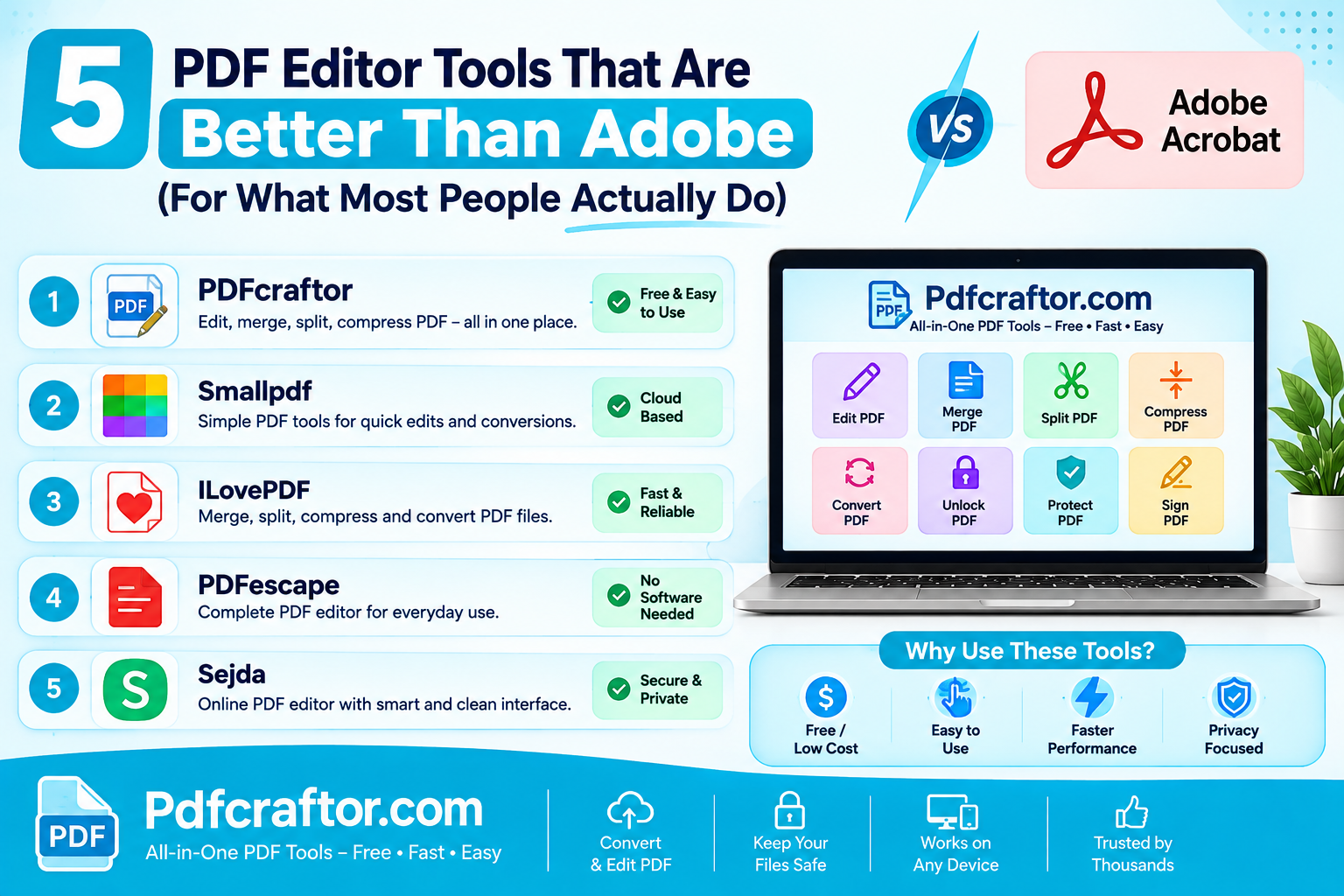
5 PDF Editor Tools That Are Better Than Adobe (For What Most People Actually Do)
Adobe Acrobat Pro costs around $240 a year. These 5 free PDF editor tools merge, split, compress and edit PDFs without the price, the account, or the bloat.
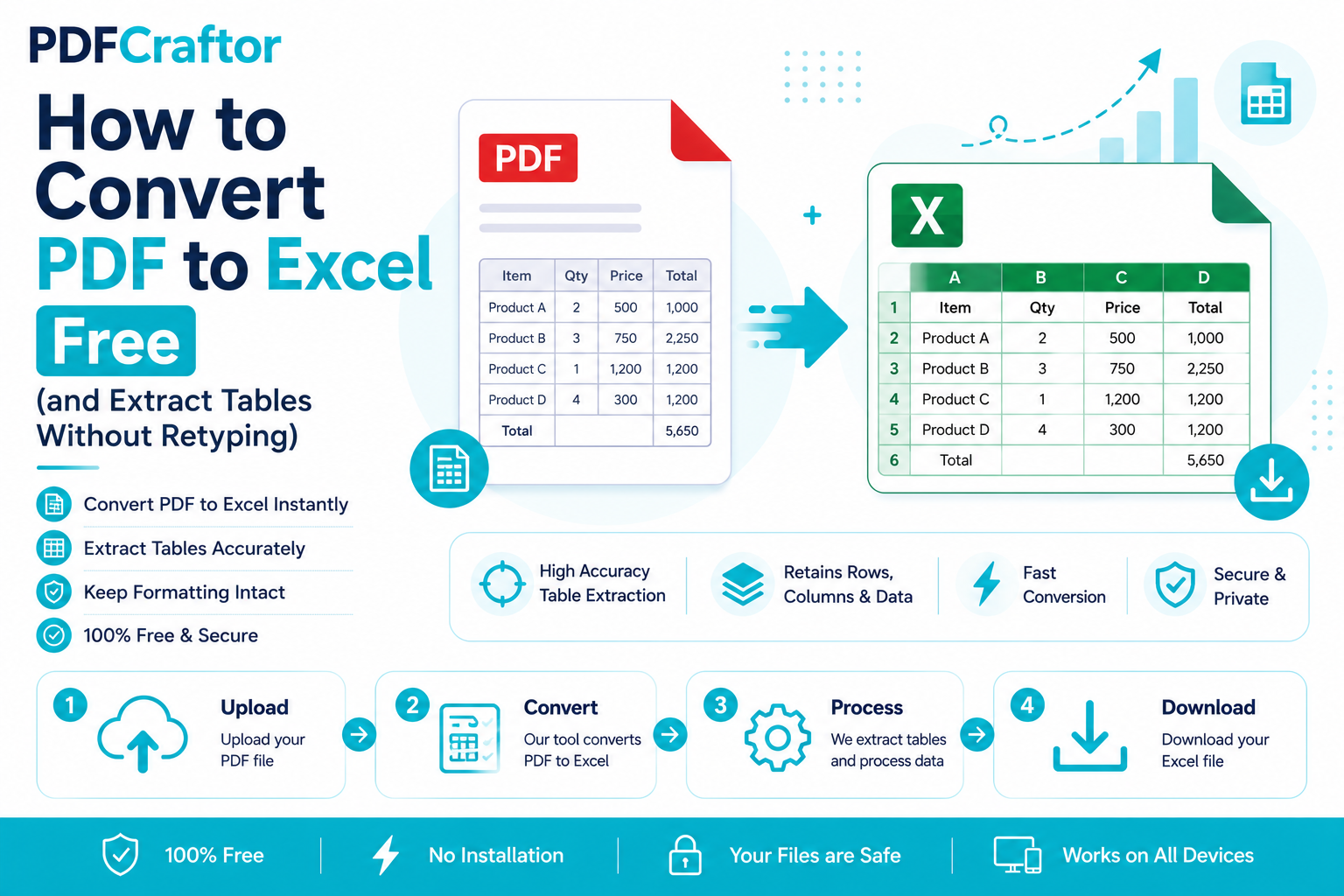
How to Convert PDF to Excel Free (and Extract Tables Without Retyping)
Learn how to convert PDF to Excel free and extract tables into editable spreadsheets, no manual retyping, no software. Works for bank statements and reports.
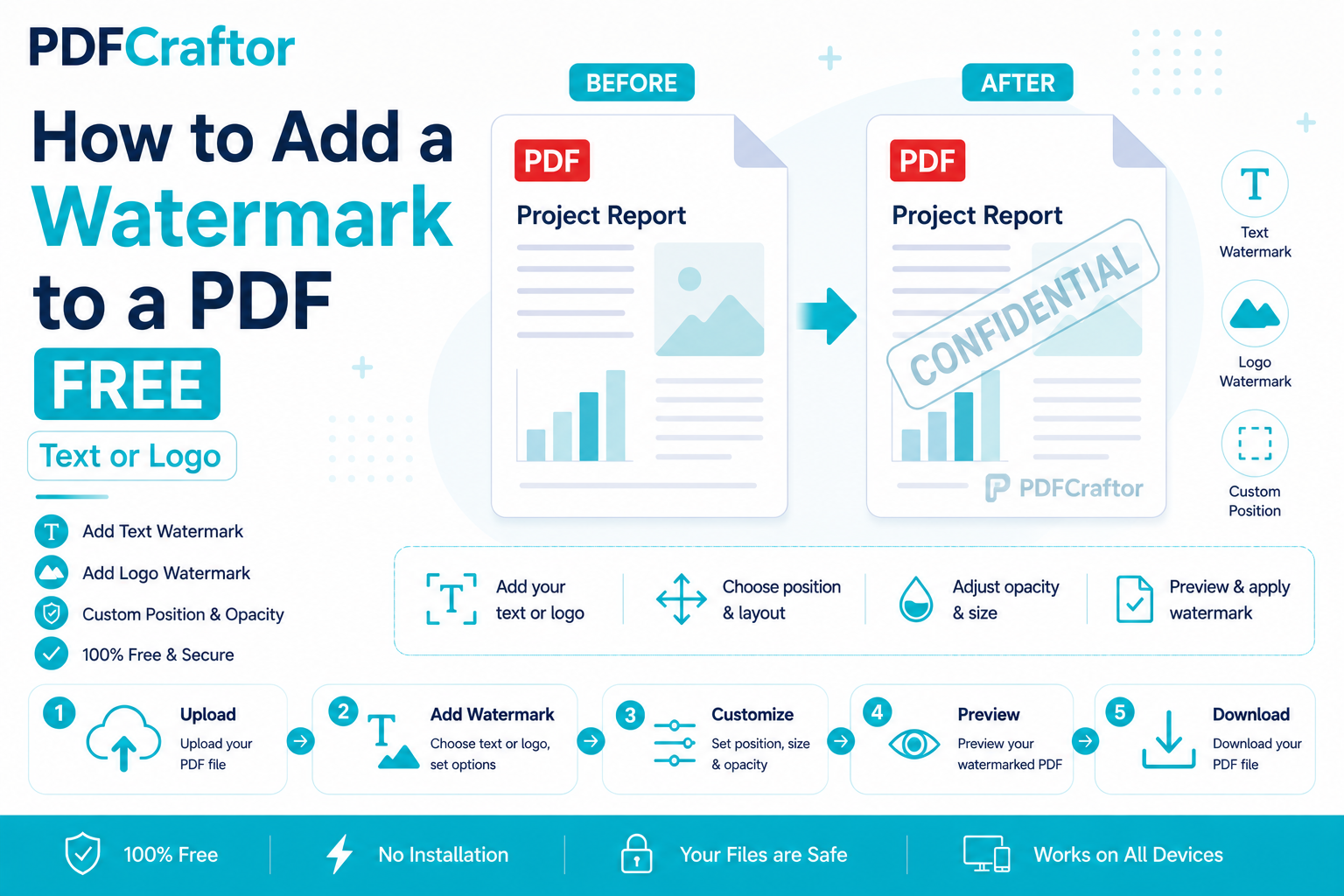
How to Add a Watermark to a PDF Free (Text or Logo)
Learn how to add a watermark to a PDF free stamp text like "Confidential" or your logo across pages, set opacity and position, online with no software.