Best Free PDF Tools Online in 2026 — No Signup, No Watermarks
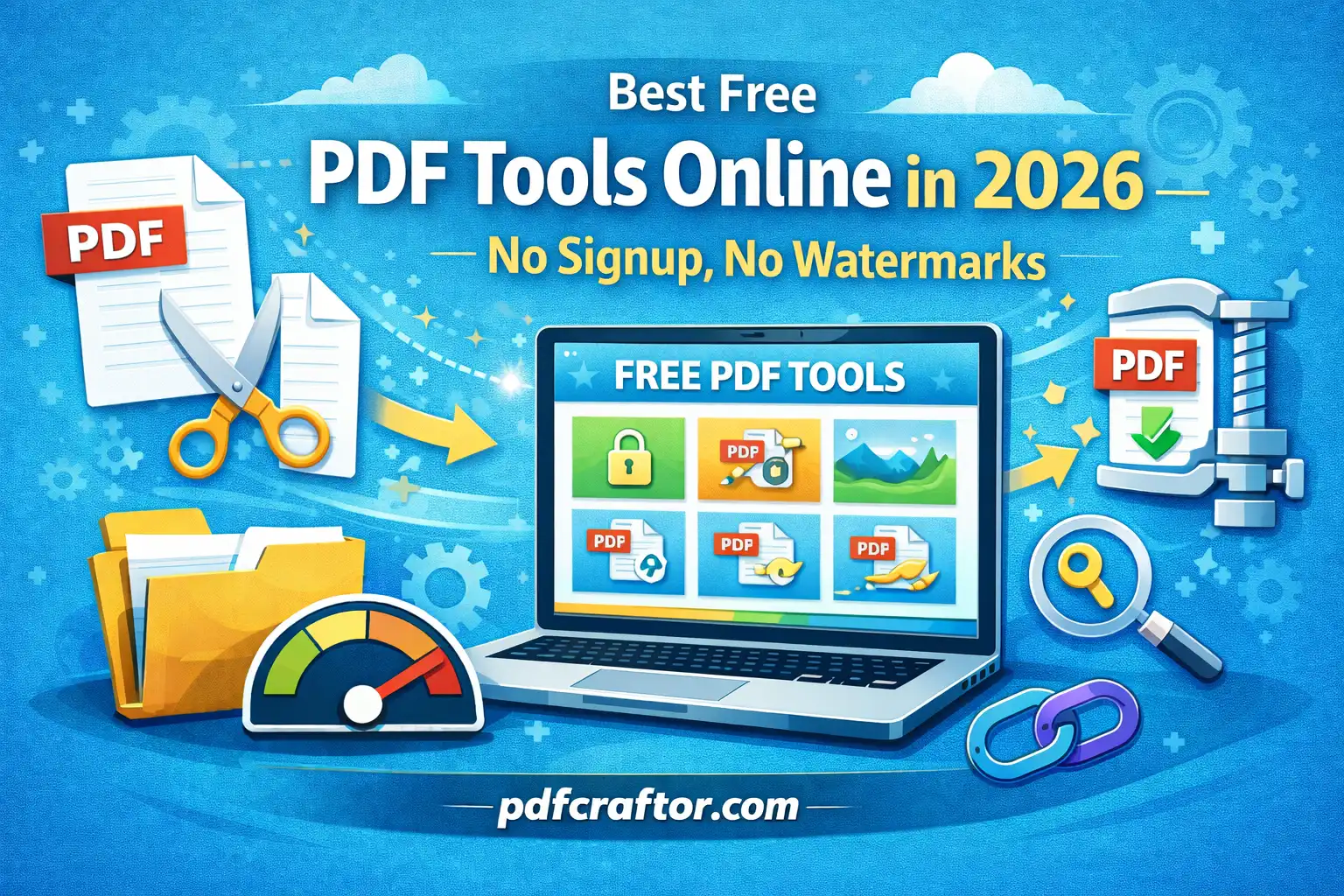
Looking for the best free PDF tools online in 2026 without signup or watermarks? Whether you need to merge PDF files, compress large documents, split PDFs, convert files, or protect sensitive documents, choosing the right online PDF tools can save time and improve productivity.
Today, most schools, businesses, freelancers, and government portals rely heavily on PDF documents. However, many popular PDF platforms restrict features behind paywalls, force account creation, or add watermarks to processed files.
In this guide, we compare the best truly free PDF tools you can use right now — with no hidden limits, no software installation, and no signup required.
What Makes a PDF Tool Truly Free?
Many online PDF tools claim to be free, but they often come with restrictions that make them difficult to use regularly.
Here are the most common limitations users face:
- Daily Task Limits: Only 2–3 free tasks allowed per day
- File Size Restrictions: Large PDF uploads blocked
- Watermarks: Branding added to output documents
- Forced Signup: Account creation required before download
- Slow Processing: Artificial delays added for free users
A truly free PDF tool should provide:
- Unlimited usage
- No signup requirements
- No watermarks
- Fast browser-based processing
- Support for desktop and mobile devices
Best Free PDF Tools by Category
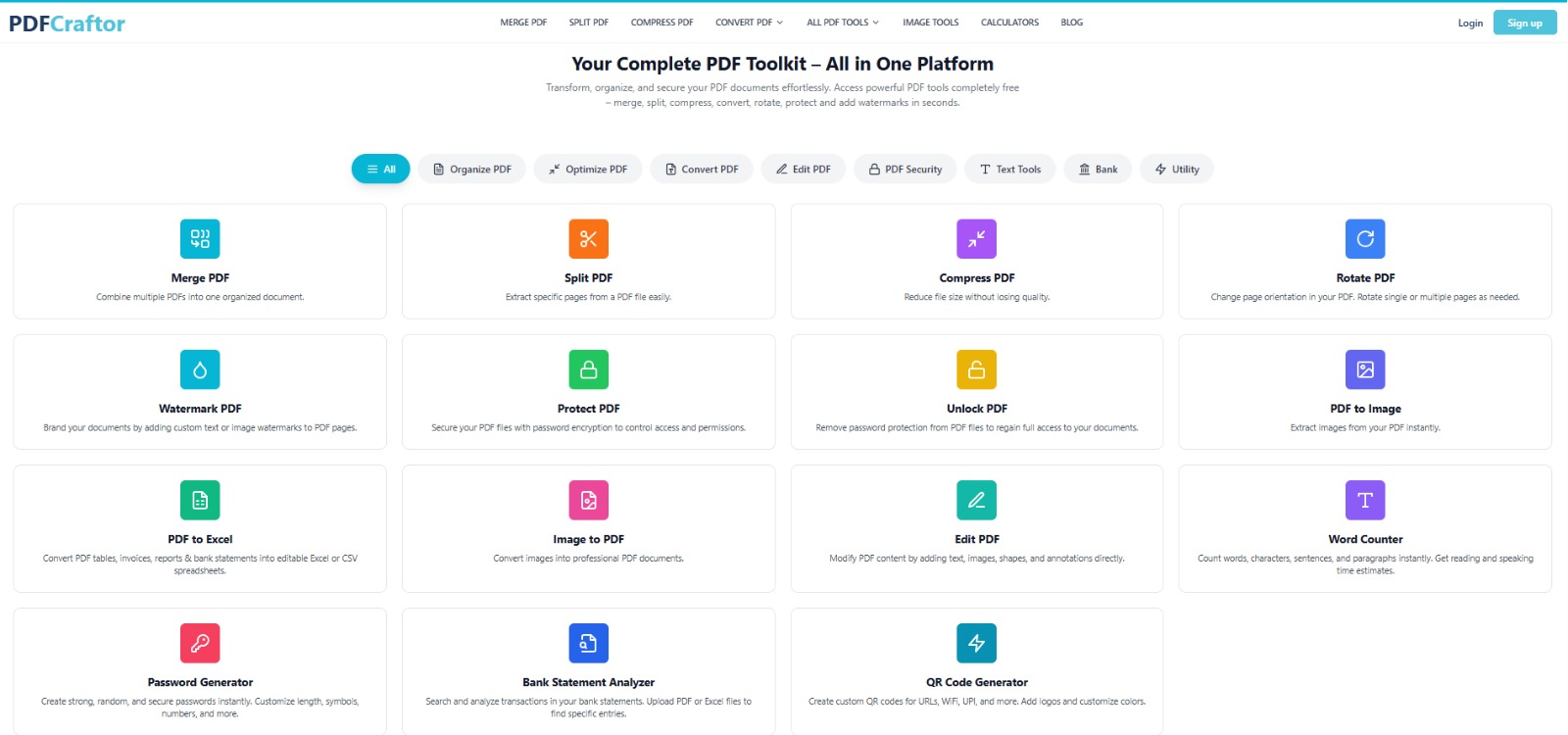
Best Free PDF Merger
Winner: PDFCraftor Merge PDF
PDFCraftor allows users to merge multiple PDF files online for free using a simple drag-and-drop interface. It supports large files, works on mobile devices, and does not require signup.
- Combine unlimited PDF files
- No watermark added
- Works directly in browser
- Fast PDF merging process
Best For: Job applications, business reports, assignments, and document organization.
Best Free PDF Compressor
Winner: PDFCraftor Compress PDF
Large PDF files can be difficult to upload or share through email. PDFCraftor Compress PDF reduces file size significantly while maintaining document quality.
- Reduce PDF size quickly
- Maintain image quality
- Improve upload speed
- No software installation required
Best For: Email attachments, website uploads, and sharing large documents.
Best PDF to JPG Converter
Winner: PDFCraftor PDF to JPG
Need to convert PDF pages into image files? PDFCraftor makes it easy to convert PDF documents into high-quality JPG images instantly.
- Convert PDF pages into JPG format
- High-quality image output
- Fast browser-based conversion
- No account needed
Best For: Presentations, social sharing, image extraction, and design work.
Best PDF Security Tool
Winner: PDFCraftor Protect PDF
Protect sensitive documents by adding passwords and restricting unauthorized access.
- Password-protect PDF files
- Secure confidential documents
- Easy browser-based protection
- No software required
Best For: Legal files, contracts, business documents, and personal records.
Best Free PDF Splitter
Winner: PDFCraftor Split PDF
Need only selected pages from a large document? PDFCraftor Split PDF allows users to separate PDF pages quickly and efficiently.
- Extract selected PDF pages
- Split large PDF files
- Fast online processing
- No signup required
Best For: Organizing reports, extracting invoices, and managing large documents.
Why PDFCraftor Stands Out in 2026
Unlike many competitors, PDFCraftor focuses on simplicity, speed, and accessibility.
Here’s why users prefer it:
- No account creation required
- No hidden usage limits
- No watermarks on processed files
- Works on desktop, tablet, and mobile
- Fast cloud-based processing
- Simple user interface
Which PDF Tool Should You Use?
| Task | Recommended Tool |
|---|---|
| Merge PDF Files | PDFCraftor Merge PDF |
| PDFCraftor Compress PDF | |
| Split PDF Documents | PDFCraftor Split PDF |
| Convert PDF to JPG | PDFCraftor PDF to JPG |
| Protect PDF Files | PDFCraftor Protect PDF |
Are Online PDF Tools Safe?
Yes — trusted online PDF tools use encrypted processing and automatic file deletion systems to protect user privacy.
Before using any PDF platform, check for:
- Secure HTTPS connection
- Encrypted file uploads
- Automatic file deletion policy
- Trusted brand reputation
Can You Use PDF Tools on Mobile?
Yes. Most modern PDF tools work directly in mobile browsers without installing any app.
You can use online PDF tools on:
- Android phones
- iPhones
- iPads
- Tablets
- Laptops and desktops
Frequently Asked Questions
Which PDF tool is completely free?
PDFCraftor offers multiple PDF tools completely free with no signup and no watermarks.
Can I use PDF tools without installing software?
Yes. Online PDF tools work directly in your browser without downloading any application.
Do free PDF tools add watermarks?
Some platforms add watermarks, but PDFCraftor processes files without branding or hidden marks.
Can I use these PDF tools on mobile devices?
Yes. All major PDFCraftor tools are compatible with mobile browsers.
Final Thoughts
The best free PDF tools in 2026 should save time, protect privacy, and remove unnecessary restrictions. Whether you need to merge PDF files, compress large documents, split PDFs, convert files, or secure important documents, using the right online PDF tool makes document management much easier.
PDFCraftor provides a complete collection of free online PDF tools without signup requirements, watermarks, or hidden limitations. Simply upload your files, process them instantly, and download your documents in seconds.
Share this article
Sharad Mishra
Content Writer
Published on April 20, 2026
Related Articles
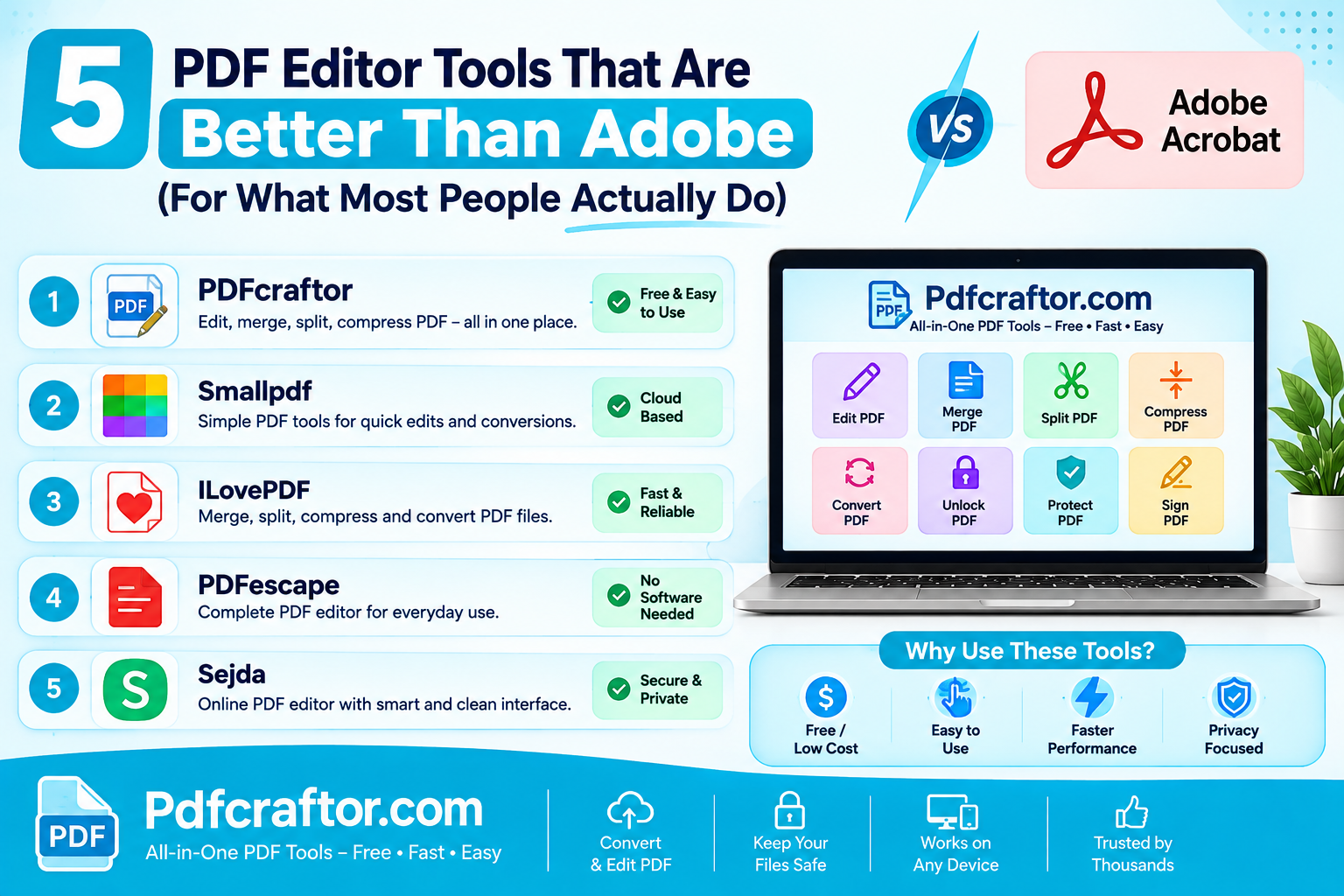
5 PDF Editor Tools That Are Better Than Adobe (For What Most People Actually Do)
Adobe Acrobat Pro costs around $240 a year. These 5 free PDF editor tools merge, split, compress and edit PDFs without the price, the account, or the bloat.
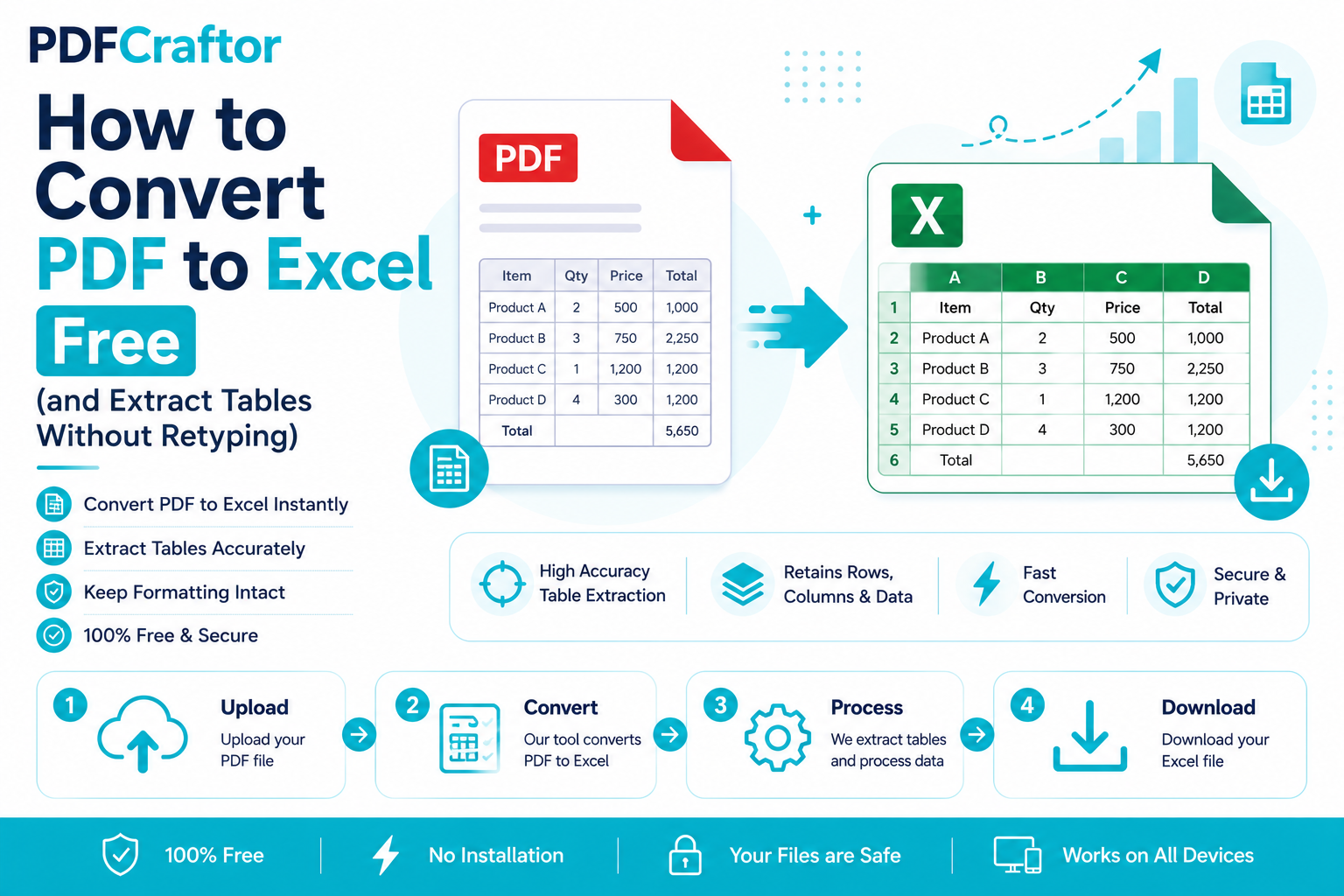
How to Convert PDF to Excel Free (and Extract Tables Without Retyping)
Learn how to convert PDF to Excel free and extract tables into editable spreadsheets, no manual retyping, no software. Works for bank statements and reports.
How to Add a Watermark to a PDF Free (Text or Logo)
Learn how to add a watermark to a PDF free stamp text like "Confidential" or your logo across pages, set opacity and position, online with no software.