Convert PDF to Word Online Free — A Simple 2026 Guide
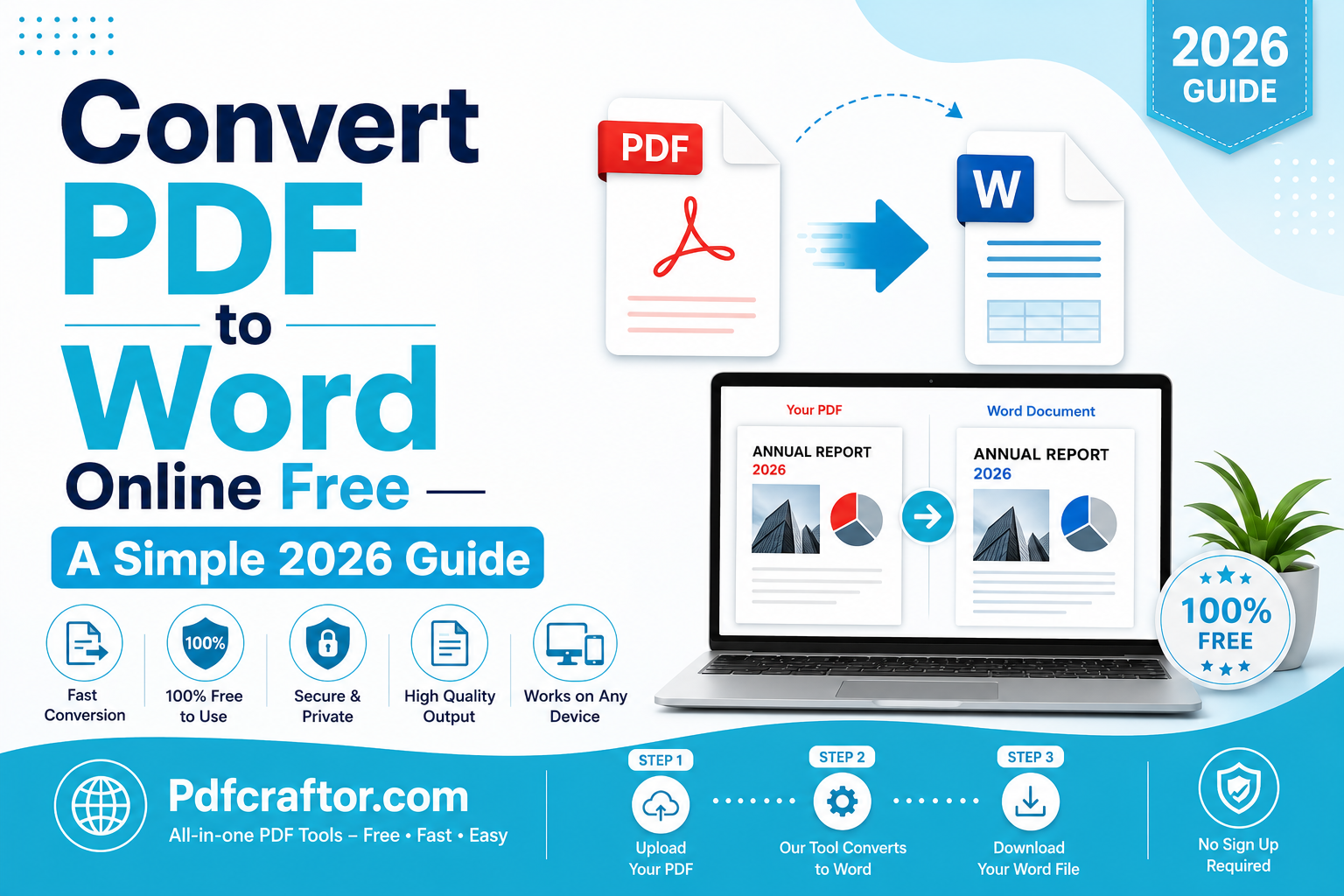
To convert PDF to Word online free, upload your PDF to a browser tool like PDFCraftor’s PDF to Word converter, choose DOCX as the output, and download the editable file in seconds. Built-in OCR handles scanned pages, and there is no signup, no watermark, and no software install.
- Free tool: PDFCraftor PDF to Word converter, browser-based, no registration
- File limit: Up to 50 MB per PDF, output as editable .docx
- OCR support: Built-in for scanned PDFs and image-based pages
- Privacy: Files auto-deleted within 24 hours, SSL encrypted upload
Working with PDF files is part of almost every job today. You receive contracts, bills, project reports, and class notes as PDFs every week. But the moment you need to edit a few lines, the PDF format becomes a wall. That is why so many people search for a way to convert PDF to Word online free.
This guide shows you the simplest way to convert a PDF to Word, when to use an image to PDF converter for the reverse task, and how to safely turn photo to PDF free without losing quality. No jargon, no extra steps.
Why People Convert PDF to Word
PDFs are great for sharing, but they are locked down on purpose. Word documents (.docx) are flexible. Once a file is in Word, you can change text, fix typos, update numbers, add comments, and reuse content in new reports.
Common reasons people convert PDF to Word include updating old contracts, editing forms before printing, reusing report sections, fixing scanned documents, translating content, and pulling text out of brochures for new layouts.
How To Convert PDF to Word in 5 Steps
The whole process takes less than a minute on a normal internet connection.
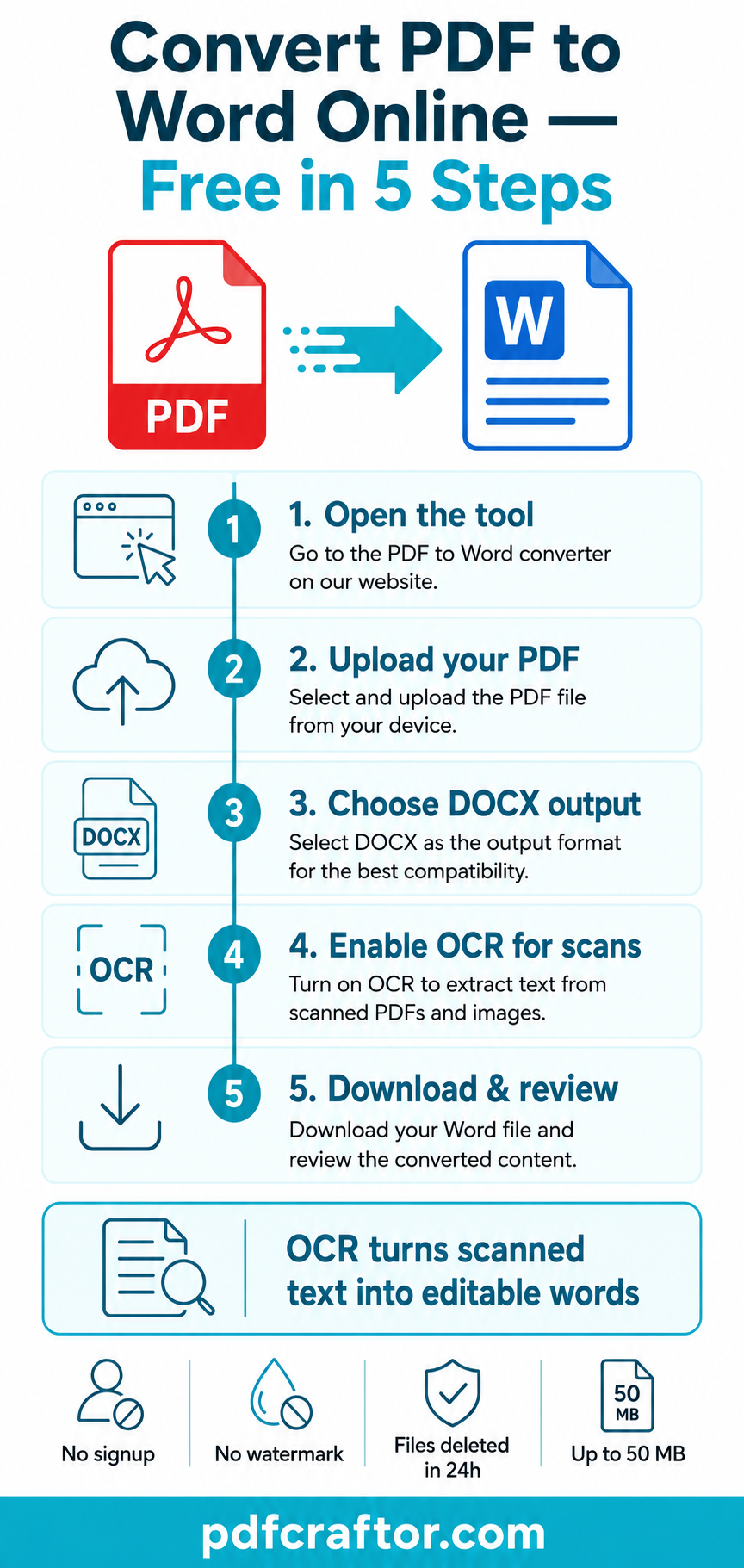
Infographic by pdfcraftor.com
Step 1: Open the PDF to Word tool
Visit a free converter such as the PDFCraftor PDF to Word converter in any browser. No app install is needed.
Step 2: Upload your PDF
Click the upload area or drag your PDF in. Keep the file under 50 MB. If your PDF is too large, use a split PDF online tool first and convert only the section you need.
Step 3: Choose DOCX as the output
Most tools default to DOCX. If your file is a scanned page, enable OCR so the text becomes editable instead of a flat image.
Step 4: Start the conversion
Click Convert. The tool reads the PDF, preserves the layout, fonts, and tables, and builds a clean Word file.
Step 5: Download and review
Open the .docx file in Word, Google Docs, or LibreOffice. Check headings, tables, page numbers, and spacing before you send it.
Convert PDF to Word With OCR for Scanned Files
If your PDF was scanned from paper, the text inside is actually an image. A plain converter will paste each page as a picture into Word, which you cannot edit. OCR (Optical Character Recognition) fixes this. It reads each letter from the image and writes it back as real, selectable text.
For best OCR results, scan pages at 300 DPI, use good lighting, and keep the paper straight. If your scan is crooked or blurry, crop the page edges before converting.
Image to PDF Converter — When You Need the Reverse
Sometimes the task is the opposite: you have photos, screenshots, or scanned receipts and you want them inside one clean PDF. That is where an image to PDF converter helps.
Use it when you need to:
- Send a set of photos as a single document
- Submit ID proofs in one combined file
- Save phone screenshots as a tidy report
- Turn handwritten notes into a shareable document
A good image to PDF tool keeps the original resolution, lets you set page order, and supports JPG, PNG, HEIC, and WebP without changing colors or sharpness.
Photo to PDF Free vs Image to PDF: What Is the Difference?
People often search photo to PDF free when they mean the same thing as image to PDF. The output is the same kind of file, but the source is usually a mobile photo rather than a saved image.
| Feature | Photo to PDF Free | Image to PDF Converter |
|---|---|---|
| Source | Phone camera photos | Saved images on a device |
| Common use | Receipts, IDs, notes | Screenshots, design files, reports |
| Best format | JPG, HEIC | JPG, PNG, WebP, BMP |
| Output | One PDF, multi-page | One PDF, multi-page |
Compare Common PDF to Word Tools
Most free converters do the basic job, but small features change the user experience.
| Tool | OCR | Signup | Watermark |
|---|---|---|---|
| PDFCraftor | Yes, built-in | Not required | None |
| Smallpdf | Limited free | Optional | None on basic plan |
| iLovePDF | Yes, premium | Optional | None |
| Adobe Online | Yes | Required | None |
Common Mistakes To Avoid
The conversion itself is simple, but the output suffers when small details are skipped. Avoid uploading a 200 MB PDF when only 5 pages are needed. Avoid disabling OCR on a scanned file. Do not run the conversion twice on the same browser tab without refreshing. And do not edit the Word file before the download is fully complete.
Privacy and File Safety Tips
PDFs often carry personal data such as bank statements, IDs, salary slips, and legal records. Before you upload a file:
- Check that the tool uses HTTPS (look for the lock icon)
- Confirm the file is deleted automatically — PDFCraftor removes files within 24 hours
- Remove pages you do not need with an edit PDF online tool first
- Avoid running uploads on public Wi-Fi if the file is sensitive
When To Convert and When To Edit Instead
You do not always need a Word file. If you only want to highlight a sentence, sign a contract, or add a short note, edit the PDF directly. Use Word conversion only when you need to rewrite paragraphs, change numbers in a table, or reuse the content somewhere else.
For mixed work — adding pages, rearranging, then editing — combine tools. Use merge PDF online to join files first, and convert only the relevant section to Word at the end.
FAQ
Is it safe to convert PDF to Word online free?
Yes, if the tool uses HTTPS and deletes files automatically. PDFCraftor encrypts uploads with SSL and removes files within 24 hours.
Will the Word file look exactly like the PDF?
Simple PDFs convert almost identically. Complex layouts with multi-column text, signatures, or design-heavy pages may need small formatting fixes after conversion.
Can I convert a scanned PDF without OCR?
You can, but the text will appear as an image in Word and you will not be able to edit it. Always enable OCR for scanned documents.
Is there a difference between image to PDF and photo to PDF?
The output PDF is the same. Image to PDF usually refers to saved files like PNG or JPG. Photo to PDF free usually means images taken with a phone camera.
What is the maximum file size for free conversion?
PDFCraftor supports PDFs up to 50 MB. For larger files, split them first and convert each part separately.
Conclusion
You can convert PDF to Word online free in under a minute when you use the right tool. Pick a browser-based converter with OCR, check the privacy settings, and review the output before sending. When the task moves the other way, an image to PDF converter or photo to PDF free tool gives you a tidy single document from any photo set. With PDFCraftor’s small toolkit, both directions of work fit into one short workflow.
Share this article
Sharad Mishra
Content Writer
Published on June 12, 2026
Related Articles
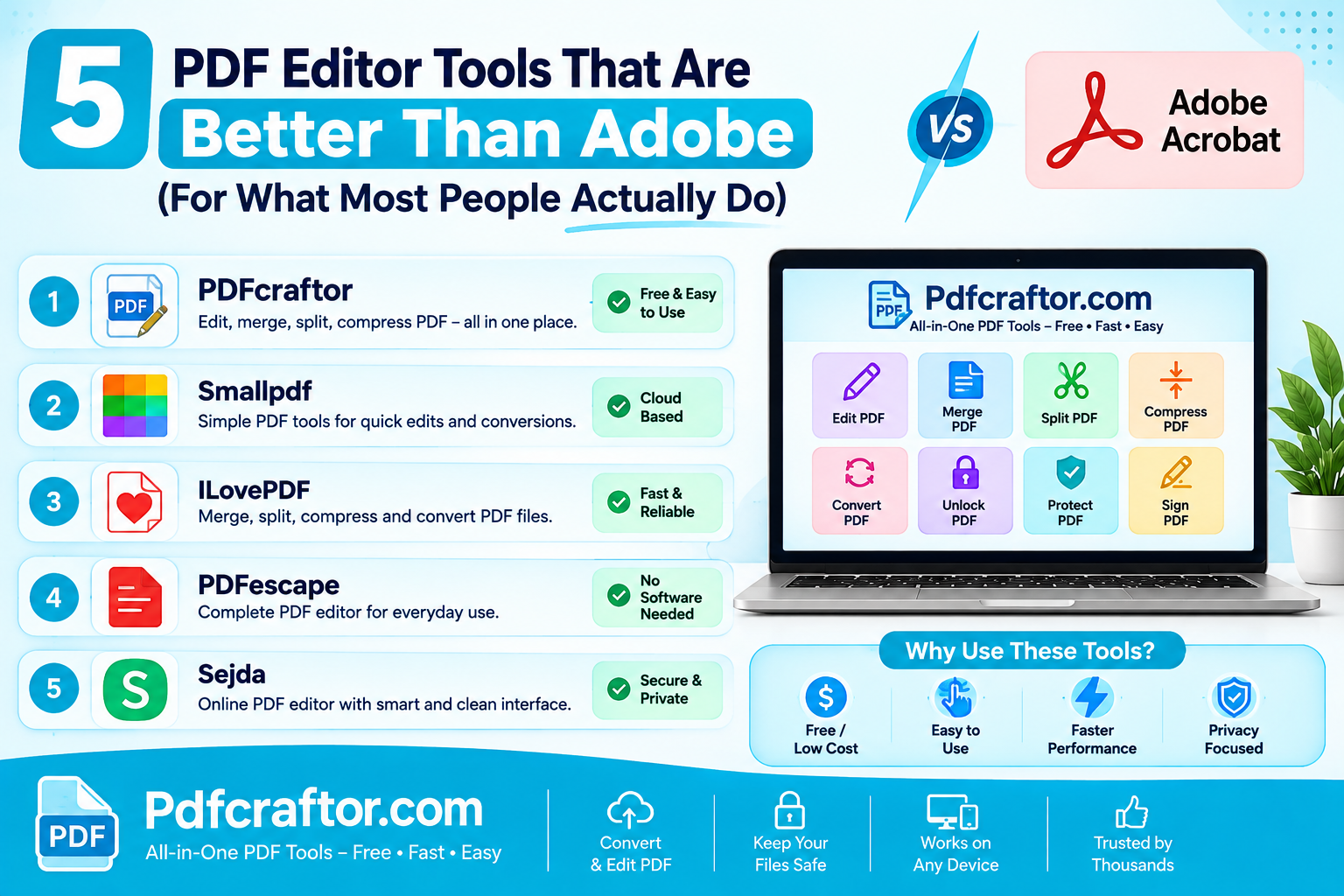
5 PDF Editor Tools That Are Better Than Adobe (For What Most People Actually Do)
Adobe Acrobat Pro costs around $240 a year. These 5 free PDF editor tools merge, split, compress and edit PDFs without the price, the account, or the bloat.
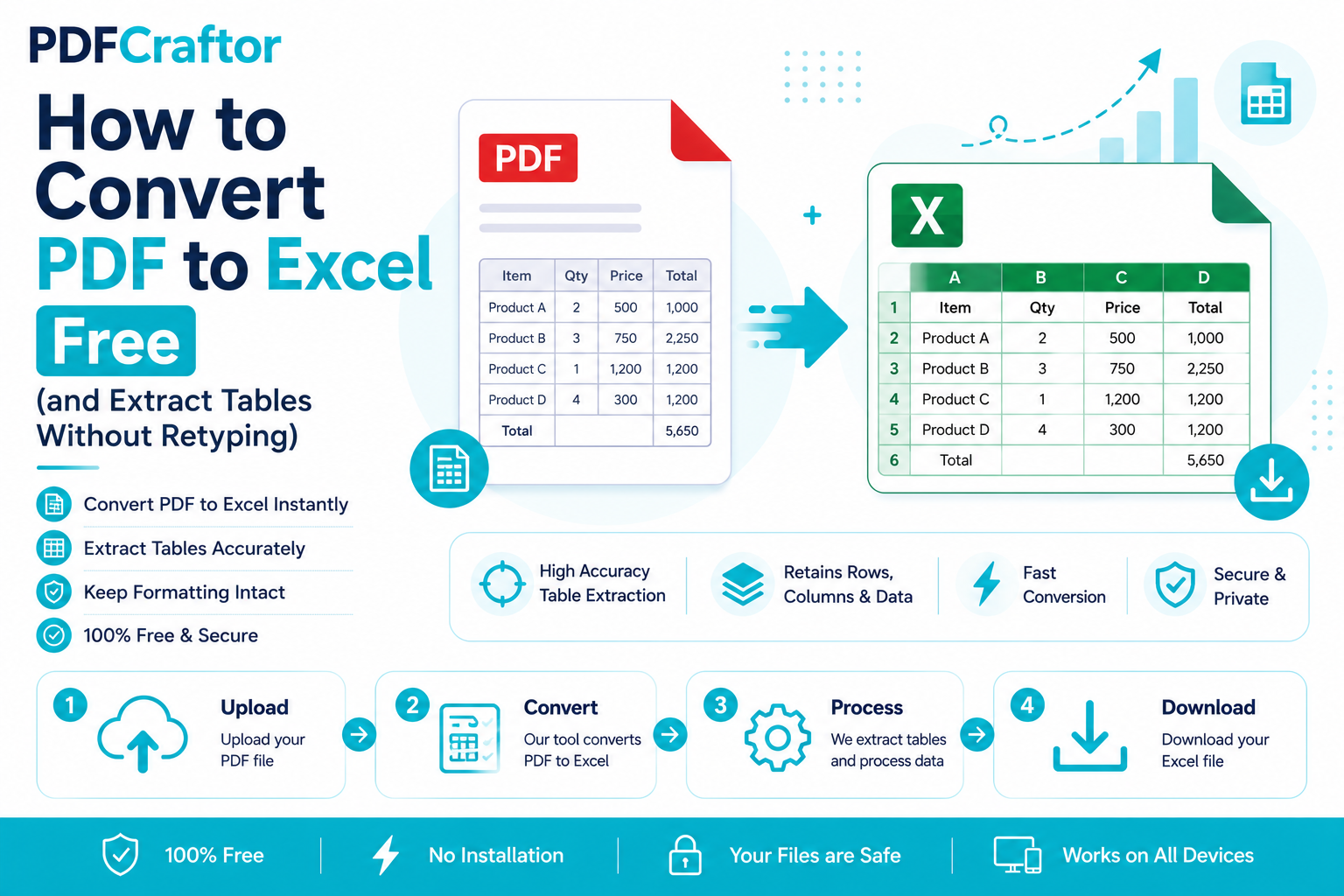
How to Convert PDF to Excel Free (and Extract Tables Without Retyping)
Learn how to convert PDF to Excel free and extract tables into editable spreadsheets, no manual retyping, no software. Works for bank statements and reports.
How to Add a Watermark to a PDF Free (Text or Logo)
Learn how to add a watermark to a PDF free stamp text like "Confidential" or your logo across pages, set opacity and position, online with no software.