How to Compress a PDF Without Losing Quality (Free & Easy)
Got a PDF that's too large to email, upload, or share? You're not alone. Oversized PDFs are one of the most common frustrations for students, professionals, and businesses every day. The good news? You can compress a PDF without losing quality — and you don't need to install any software or pay for a subscription.
In this guide, we'll walk you through exactly how to do it, compare the best free methods, and help you choose the right approach for your situation.
Why Do PDF Files Get So Large?
Before jumping into the fix, it helps to understand the cause. PDF files grow large because of:
- Embedded high-resolution images — A single photo at 300 DPI can be 5–10 MB alone
- Scanned documents — Every scanned page is stored as a full image
- Embedded fonts — Full font families add 1–3 MB per font
- Unnecessary metadata — Hidden comments, revision history, and thumbnails pile up silently
Most of the time, a heavy PDF is caused by images — and that's exactly where compression tools work best.
3 Best Ways to Compress a PDF for Free
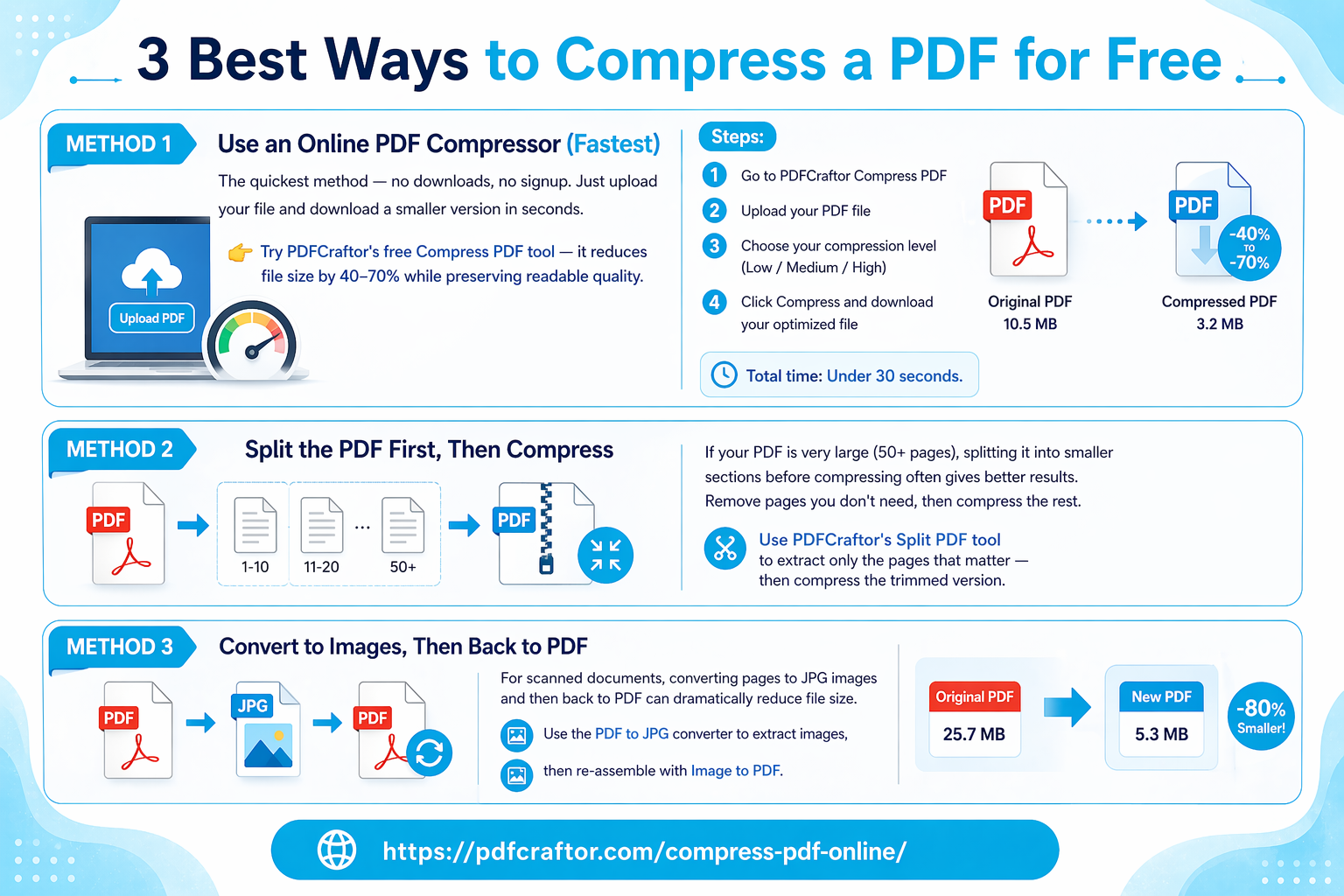
Method 1: Use an Online PDF Compressor (Fastest)
The quickest method — no downloads, no signup. Just upload your file and download a smaller version in seconds.
👉 Try PDFCraftor's free Compress PDF tool — it reduces file size by 40–70% while preserving readable quality.
Steps:
- Go to PDFCraftor Compress PDF
- Upload your PDF file
- Choose your compression level (Low / Medium / High)
- Click Compress and download your optimized file
Total time: Under 30 seconds.
Method 2: Split the PDF First, Then Compress
If your PDF is very large (50+ pages), splitting it into smaller sections before compressing often gives better results. Remove pages you don't need, then compress the rest.
Use PDFCraftor's Split PDF tool to extract only the pages that matter — then compress the trimmed version.
Method 3: Convert to Images, Then Back to PDF
For scanned documents, converting pages to JPG images and then back to PDF can dramatically reduce file size. Use the PDF to JPG converter to extract images, then re-assemble with Image to PDF.
Compression Level Comparison
| Compression Level | Quality | File Size Reduction | Best For |
|---|---|---|---|
| Low | Excellent | 20–30% | Legal documents, print-ready files |
| Medium | Good | 40–60% | Business reports, presentations |
| High | Acceptable | 60–80% | Emails, quick shares, uploads |
| Maximum | Basic | 70–85% | Archiving, storage only |
💡 Tip: For most everyday use — emails, college submissions, government portals — Medium compression hits the sweet spot between size and quality.
How Much Can You Really Compress a PDF?
| Original File | After Medium Compression | After High Compression |
|---|---|---|
| 20 MB scanned report | ~7 MB | ~4 MB |
| 5 MB photo-heavy brochure | ~2 MB | ~1 MB |
| 1 MB text document | ~600 KB | ~300 KB |
| 50 MB presentation | ~15 MB | ~8 MB |
PDF Compression — Common Use Case Limits
| Platform | Max Attachment/Upload Size |
|---|---|
| Gmail | 25 MB |
| Outlook | 20 MB |
| 100 MB | |
| Government portals (India) | Usually 1–5 MB |
| College admissions portals | Usually 500 KB – 2 MB |
| LinkedIn profile uploads | 100 MB |
Frequently Asked Questions
Q: Does compressing a PDF damage the text?
No. Standard compression only optimizes images and removes redundant data. Text, fonts, and document layout remain untouched.
Q: Can I compress a PDF from my phone?
Yes. PDFCraftor works on all browsers, including mobile — no app download needed.
Q: How do I compress a PDF to under 1 MB?
Use High compression on PDFCraftor. If the file is still large, try splitting it first using the Split PDF tool, then compress each section separately.
Q: Is it safe to compress PDFs online?
Yes, if the tool uses HTTPS encryption and auto-deletes files after processing. PDFCraftor deletes uploaded files automatically after conversion.
Conclusion
Compressing a PDF doesn't mean sacrificing quality — it means being smarter about how your file is stored. Whether you need to shrink a file for email, a government upload, or a college application, the process takes under a minute using a free online tool.
Start compressing your PDF right now →
No signup. No watermarks. Completely free.
Share this article
Sharad Mishra
Content Writer
Published on April 14, 2026
Related Articles
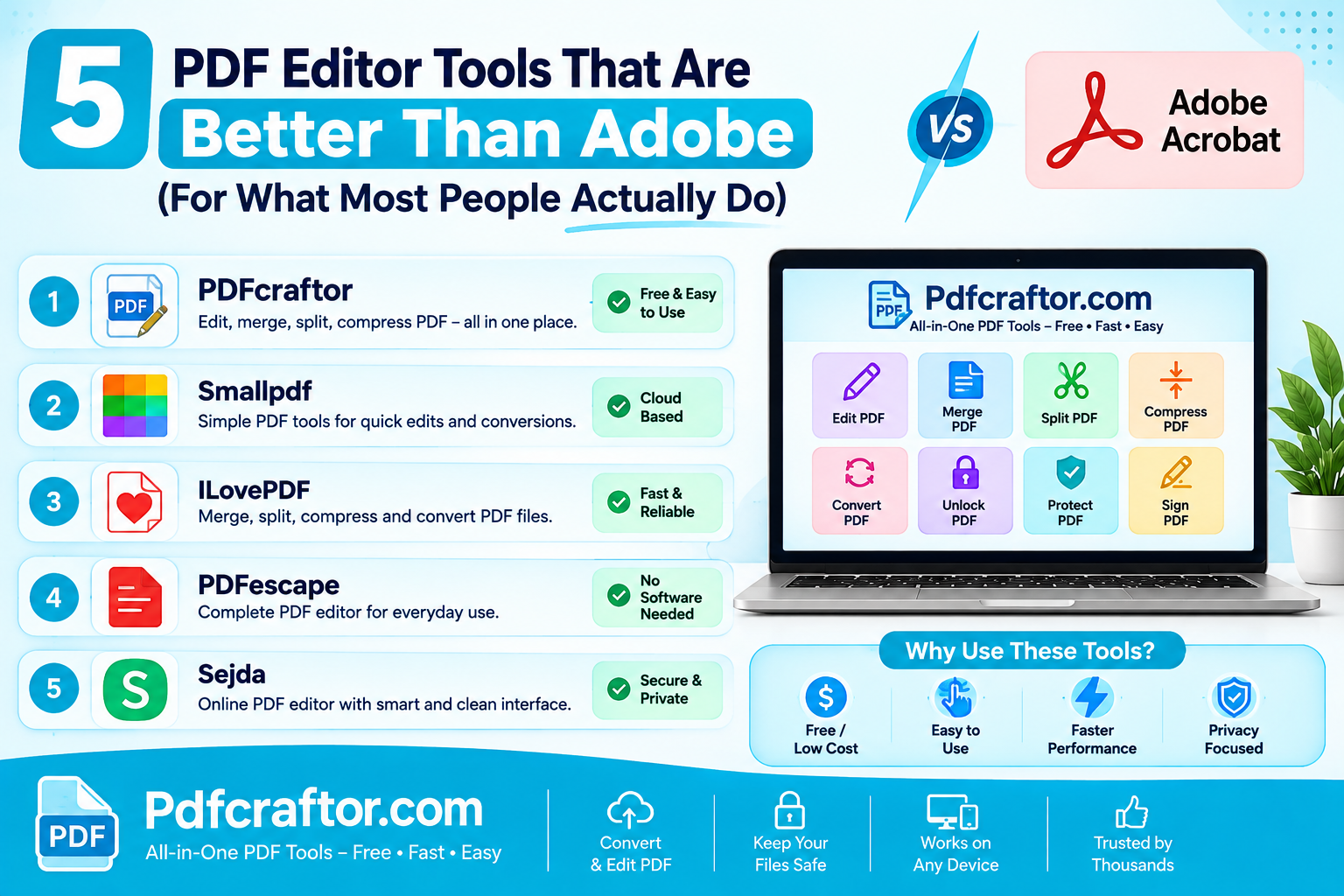
5 PDF Editor Tools That Are Better Than Adobe (For What Most People Actually Do)
Adobe Acrobat Pro costs around $240 a year. These 5 free PDF editor tools merge, split, compress and edit PDFs without the price, the account, or the bloat.
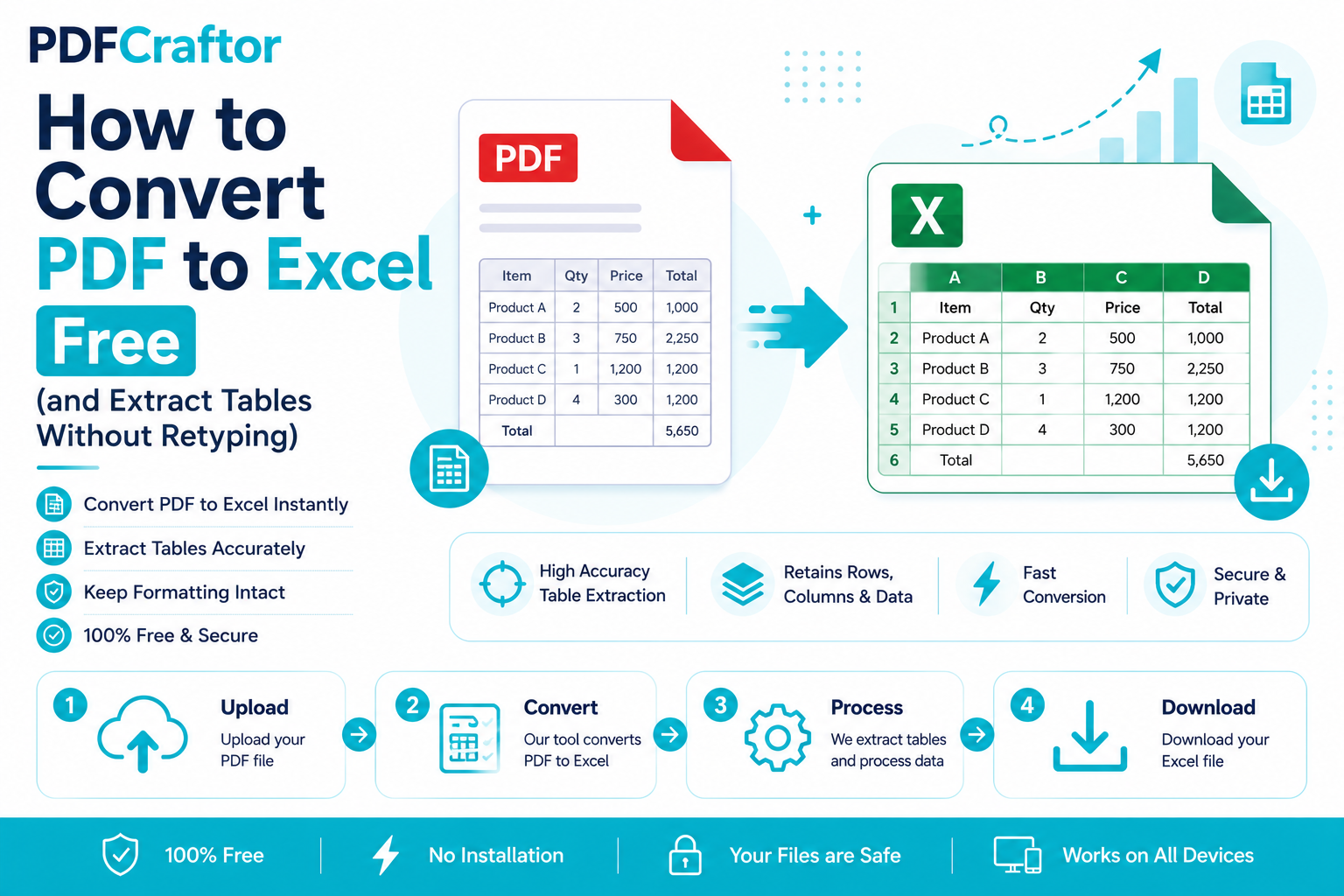
How to Convert PDF to Excel Free (and Extract Tables Without Retyping)
Learn how to convert PDF to Excel free and extract tables into editable spreadsheets, no manual retyping, no software. Works for bank statements and reports.
How to Add a Watermark to a PDF Free (Text or Logo)
Learn how to add a watermark to a PDF free stamp text like "Confidential" or your logo across pages, set opacity and position, online with no software.