How to Convert PDF to JPG Online for Free (High Quality Guide)
Need to extract images from a PDF, share a single page as a photo, or use PDF content in a presentation? Converting PDF to JPG is one of the most searched PDF tasks online — yet most tools either charge money, add watermarks, or produce blurry low-quality output.
In this guide, you'll learn how to convert PDF pages to high-quality JPG images for free, compare the top tools, and avoid the quality traps most people fall into.
When Should You Convert PDF to JPG?
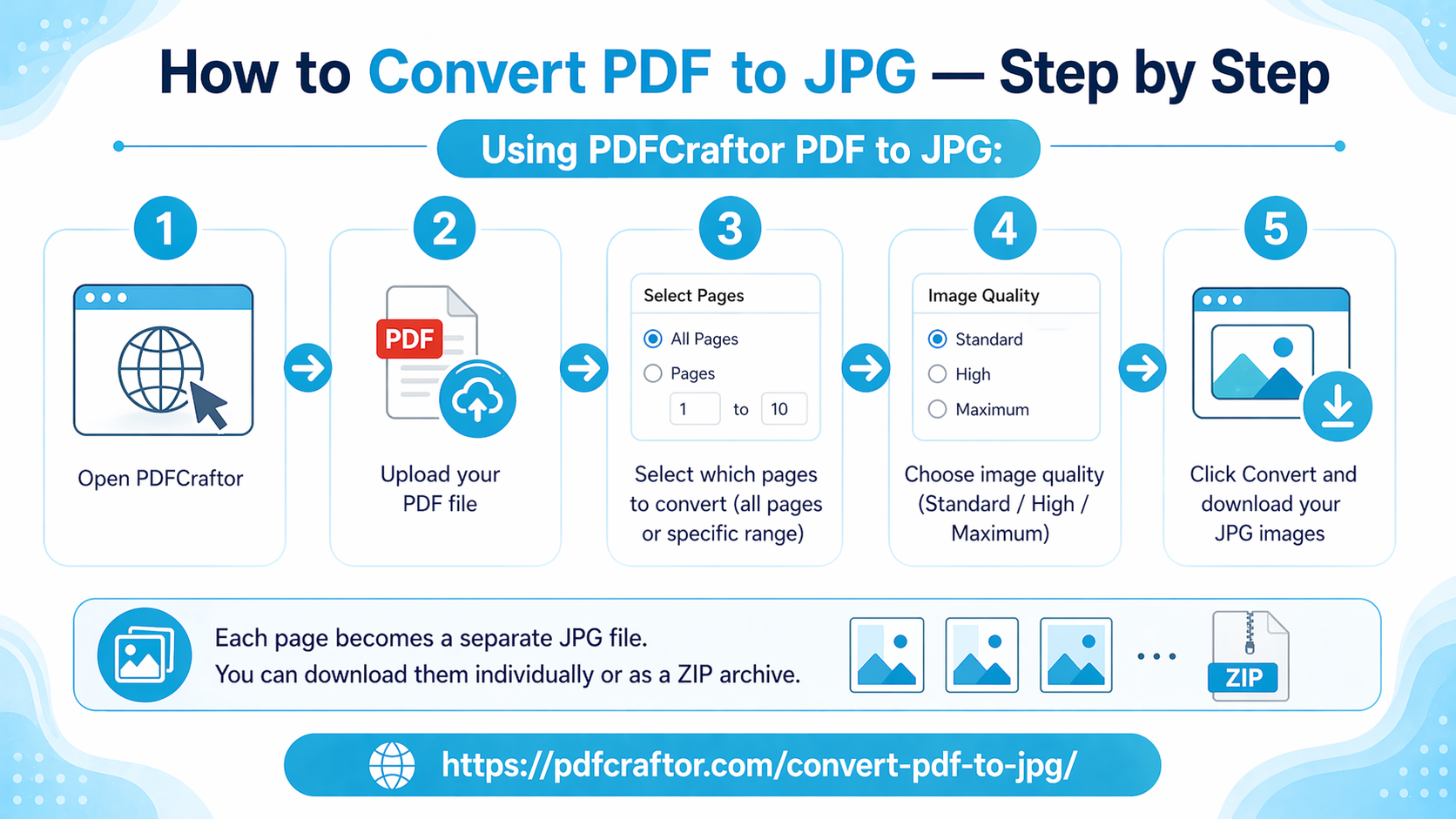
How to Convert PDF to JPG — Step by Step
Using PDFCraftor PDF to JPG:
1. Open PDFCraftor
2. Upload your PDF file
3. Select which pages to convert (all pages or specific range)
4. Choose image quality (Standard / High / Maximum)
5. Click Convert and download your JPG images
Each page becomes a separate JPG file. You can download them individually or as a ZIP archive.
PDF to JPG Quality Comparison
One of the biggest concerns when converting PDF to image is quality loss. Here's what to expect:
Pro tip: For social media posts, Standard (72 DPI) is perfectly sharp. For any document you'll print or zoom into, choose Maximum (300 DPI).
PDF to JPG vs PDF to PNG — Which Should You Use?
Bottom line: For documents and scanned files, JPG is the better choice. For graphics, diagrams, or anything with a transparent background, use PNG.
Converting Multiple PDF Pages to Images
If your PDF has many pages, converting them all at once saves time. PDFCraftor handles batch conversion — all pages are converted and packaged into a downloadable ZIP file.
Workflow for large documents:
6. If the PDF is large, compress it first to speed up conversion
7. If you only need specific pages, split the PDF to extract those pages first
8. Convert the trimmed PDF to JPG at PDFCraftor PDF to JPG
Converting JPG Back to PDF
Need to go the other direction? After extracting and editing your images, you can convert them back to PDF using PDFCraftor's Image to PDF converter. This is useful when you've made edits in an image editor and want a final PDF version.
Frequently Asked Questions
Q: Does converting PDF to JPG reduce quality?
Only if you choose a low DPI setting. At 150 DPI or higher, the quality is sharp enough for professional use.
Q: Can I convert a scanned PDF to JPG?
Yes. Scanned PDFs are already stored as images internally, making them ideal for JPG extraction.
Q: Can I convert just one page from a multi-page PDF?
Yes. Select your page range during conversion to extract specific pages only.
Q: Is there a free limit on how many PDFs I can convert?
PDFCraftor allows free conversions without signup.
Conclusion
Converting PDF to JPG is quick, free, and completely online with PDFCraftor. Whether you need one page or an entire document converted to high-resolution images, the process takes under a minute.
Share this article
Sharad Mishra
Content Writer
Published on April 15, 2026
Related Articles
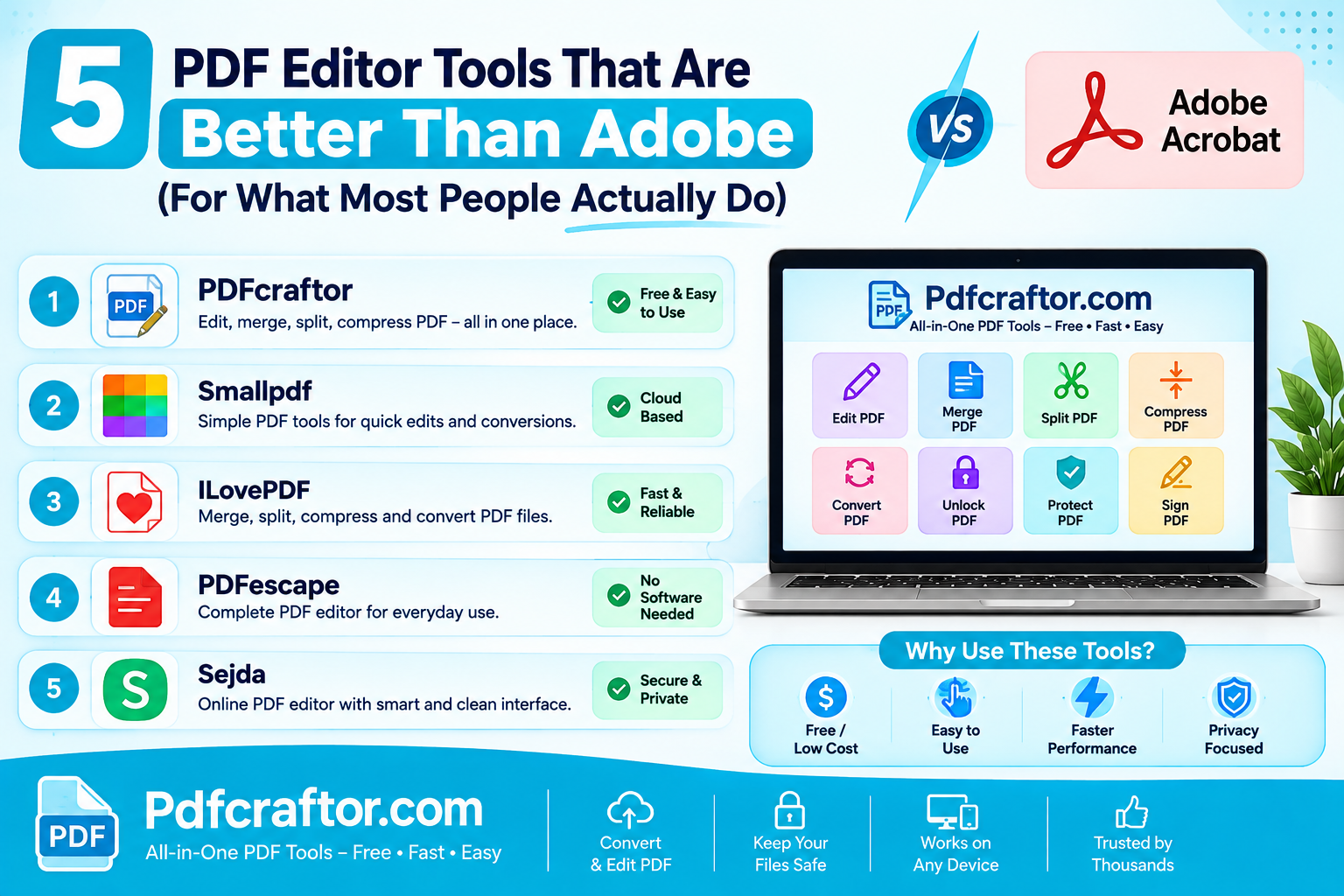
5 PDF Editor Tools That Are Better Than Adobe (For What Most People Actually Do)
Adobe Acrobat Pro costs around $240 a year. These 5 free PDF editor tools merge, split, compress and edit PDFs without the price, the account, or the bloat.
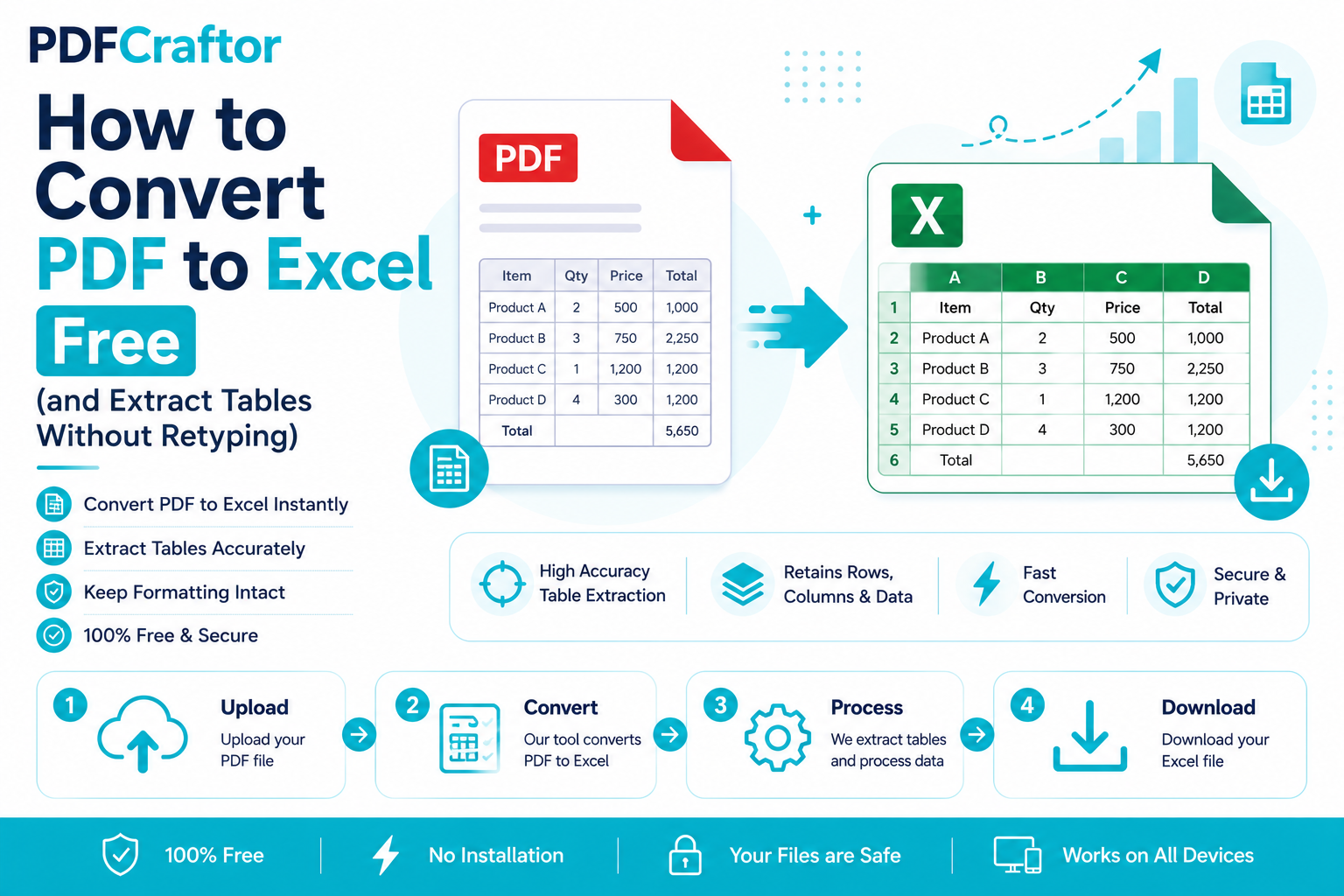
How to Convert PDF to Excel Free (and Extract Tables Without Retyping)
Learn how to convert PDF to Excel free and extract tables into editable spreadsheets, no manual retyping, no software. Works for bank statements and reports.
How to Add a Watermark to a PDF Free (Text or Logo)
Learn how to add a watermark to a PDF free stamp text like "Confidential" or your logo across pages, set opacity and position, online with no software.