How to Merge PDF Files Online for Free (Step-by-Step Guide 2026)
Need to merge PDF files online for free without installing software? Whether you're combining resumes, invoices, assignments, scanned documents, or business reports, using an online PDF merger is the easiest way to combine multiple PDF files into one organized document.
With tools like PDFCraftor, you can merge PDFs online in seconds directly from your browser — no signup, no watermark, and no technical skills required.
In this complete guide, you'll learn how to merge PDF files online step by step, how to rearrange pages before merging, how to reduce merged PDF size, and which free PDF merger tools work best in 2026.
Why People Merge PDF Files Online
Combining PDF documents helps users organize files professionally and makes uploading or sharing much easier.
- Merge resumes, cover letters, and certificates for job applications
- Combine invoices, reports, and contracts for business use
- Upload passport scans and visa documents together
- Merge assignments and research files into one PDF
- Join scanned PDF documents for organized record keeping
- Create a single presentation from multiple PDF files
How to Merge PDF Files Online — Step-by-Step
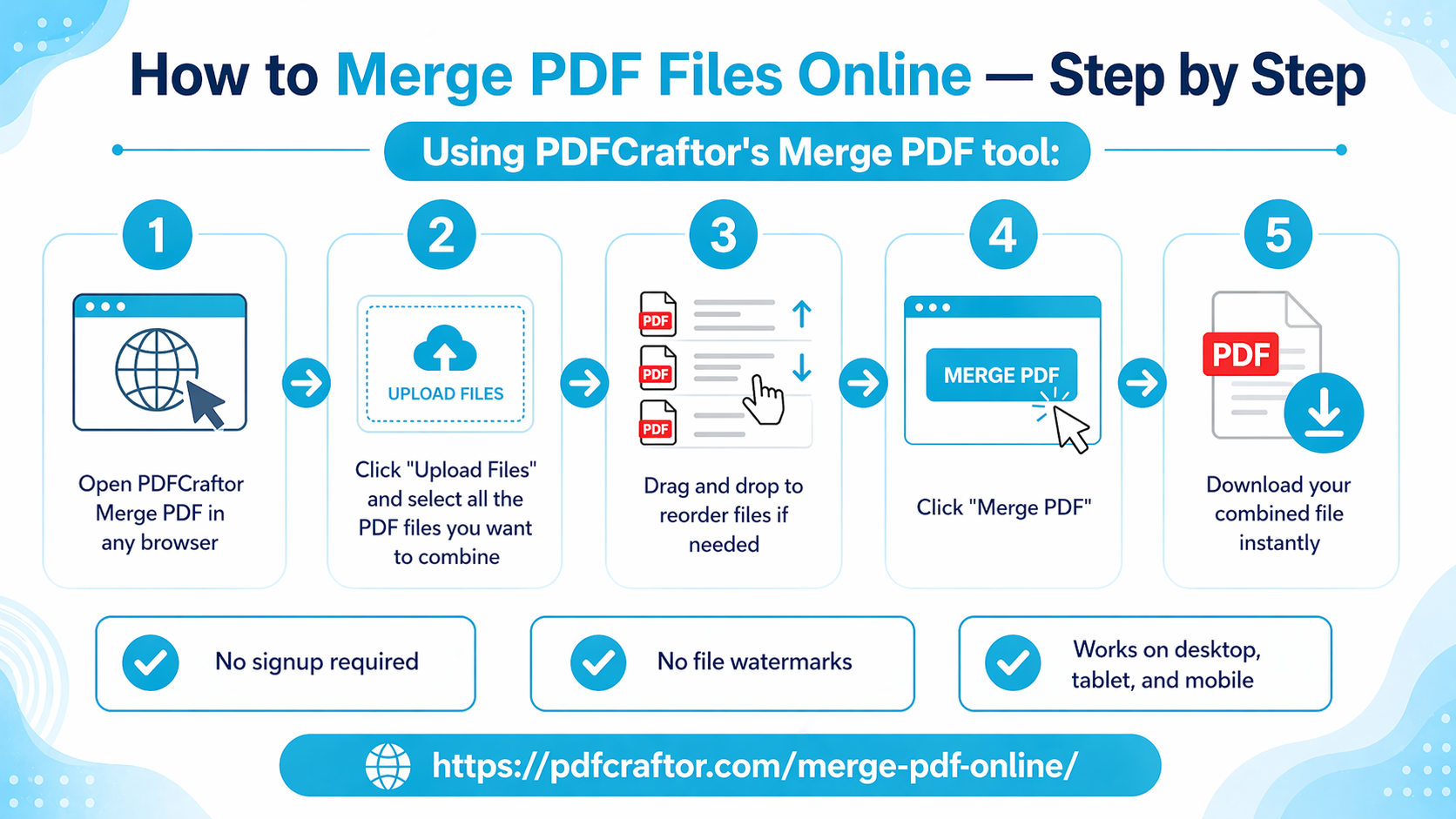
You can merge multiple PDF files online in less than a minute using PDFCraftor.
Step 1 — Open the Merge PDF Tool
Visit the PDFCraftor Merge PDF tool using Chrome, Edge, Safari, Firefox, or any modern browser.
Step 2 — Upload Your PDF Files
Click the upload button and select all the PDF documents you want to combine.
You can upload:
- Resumes
- Contracts
- Invoices
- Assignments
- Scanned documents
- Reports and presentations
Step 3 — Rearrange Files in the Correct Order
Drag and drop the uploaded files to organize them before merging.
This is especially useful for:
- Organizing project chapters
- Arranging visa documents
- Preparing presentations
- Combining reports in sequence
Step 4 — Click “Merge PDF”
Once everything is arranged properly, click the Merge PDF button.
The tool will instantly combine PDF files into one document while maintaining the original formatting and quality.
Step 5 — Download the Final PDF
After processing is complete, download your merged PDF file instantly.
Benefits of Using an Online PDF Merger
- No software installation required
- No account signup needed
- No watermark added
- Works on desktop and mobile devices
- Supports large PDF files
- Fast browser-based processing
Best Free PDF Merger Tools Compared
| Tool | Free Usage | Signup Required | Watermark |
|---|---|---|---|
| PDFCraftor | Unlimited | No | No |
| Smallpdf | Limited Daily Usage | Yes | No |
| iLovePDF | Limited Merges | No | No |
| PDF2Go | Unlimited | No | No |
| Adobe Acrobat Online | Limited Usage | Yes | No |
How to Rearrange PDF Pages Before Merging
Sometimes you may only need selected pages from different PDF documents.
For example:
- Combining only invoice pages
- Creating custom reports
- Organizing scanned documents
- Preparing business presentations
In that case:
- Use a Split PDF tool to extract required pages
- Upload selected sections into the Merge PDF tool
- Drag and reorder the files
- Merge and download the final document
Can You Merge PDF Files on Mobile?
Yes. Modern online PDF merger tools work directly in mobile browsers without installing any app.
You can merge PDF files on:
- Android phones
- iPhones
- Tablets
- iPads
Simply upload your files and combine them instantly from your device.
Is It Safe to Merge PDF Files Online?
Many users worry about document privacy while uploading files online. A trusted PDF merger should process files securely and protect uploaded data.
Reliable PDF merger tools typically offer:
- Secure file uploads
- Encrypted browser processing
- Automatic file deletion after processing
- No manual access to uploaded files
- Safe document handling
Common Problems While Merging PDF Files
Large File Size After Merging
Combining multiple PDFs can increase the final file size significantly.
Solution: Compress the merged PDF before sharing or uploading it.
Wrong Page Order
Sometimes files appear in the incorrect sequence after merging.
Solution: Always rearrange uploaded files before clicking Merge PDF.
Slow Upload or Processing
Large files or unstable internet connections may interrupt uploads.
Solution: Use a stable internet connection and updated browsers like Chrome or Edge.
What to Do After Merging PDFs
| Task | Purpose |
|---|---|
| Compress PDF | Reduce file size for sharing and uploads |
| Protect PDF with password | Add passwords to sensitive documents |
| Split PDF | Separate large merged files |
| Image to PDF | Convert images into PDF format |
| Convert PDFs into Word or other formats |
Frequently Asked Questions
Can I merge more than two PDF files at once?
Yes. Most online PDF merger tools allow users to combine multiple PDF files in one operation.
Will merging PDFs reduce quality?
No. A proper PDF merger maintains the original formatting, fonts, and image quality.
Can I merge scanned PDF documents?
Yes. You can combine scanned PDFs, reports, and image-based PDF files easily.
Do I need to install software to merge PDFs?
No. Online PDF merger tools work directly in your browser without any installation.
Can I merge PDF files without signup?
Yes. Tools like PDFCraftor allow users to merge PDFs online for free without creating an account.
Final Thoughts
Merging PDF files online is one of the easiest ways to organize documents for work, study, travel, and business use. Whether you're combining contracts, reports, resumes, assignments, or scanned files, using a free online PDF merger saves time and simplifies document management.
With PDFCraftor, you can merge multiple PDF files online for free without installing software, creating an account, or adding watermarks. Simply upload your files, arrange them correctly, merge them instantly, and download the final PDF in seconds.
Share this article
Sharad Mishra
Content Writer
Published on April 17, 2026
Related Articles
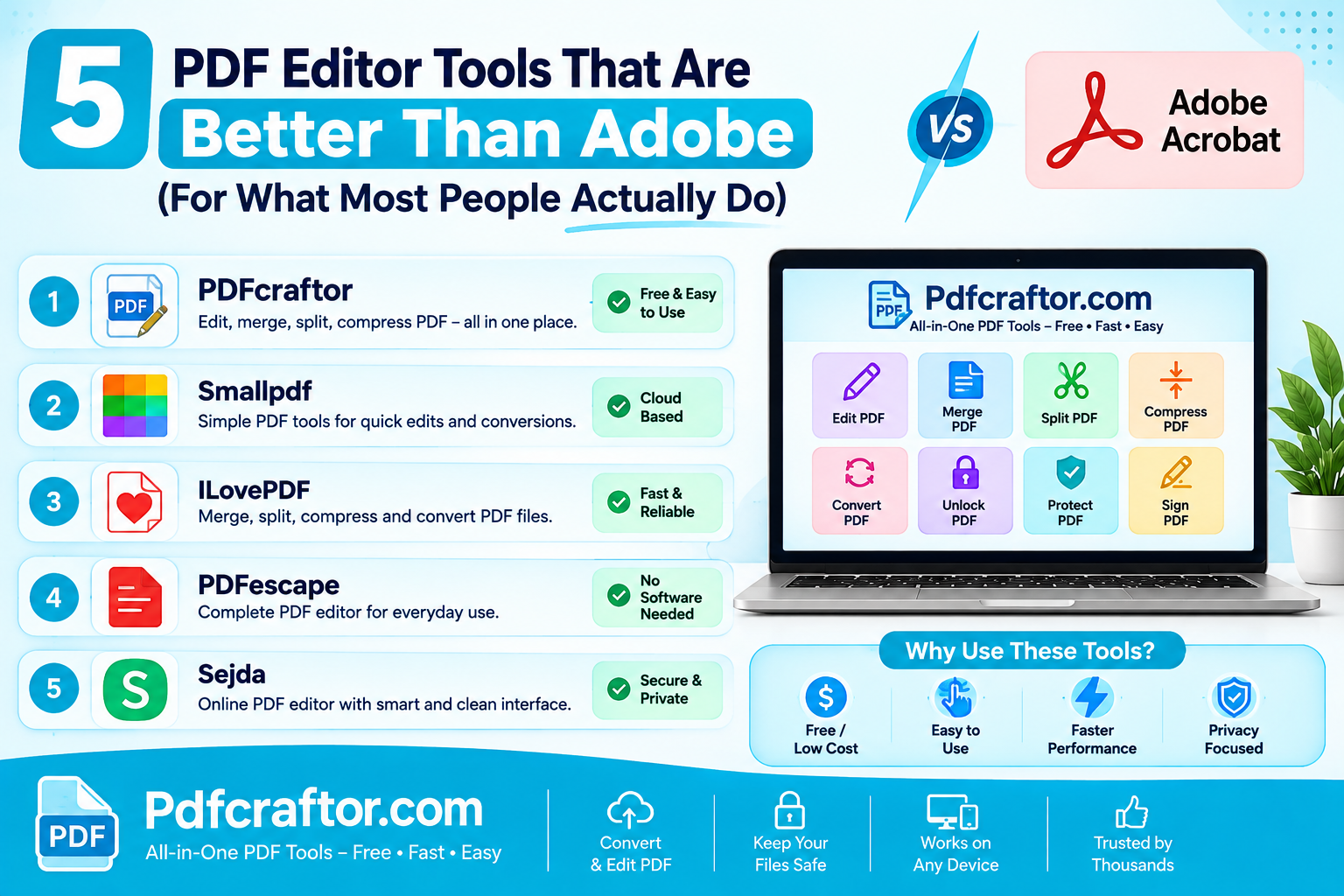
5 PDF Editor Tools That Are Better Than Adobe (For What Most People Actually Do)
Adobe Acrobat Pro costs around $240 a year. These 5 free PDF editor tools merge, split, compress and edit PDFs without the price, the account, or the bloat.
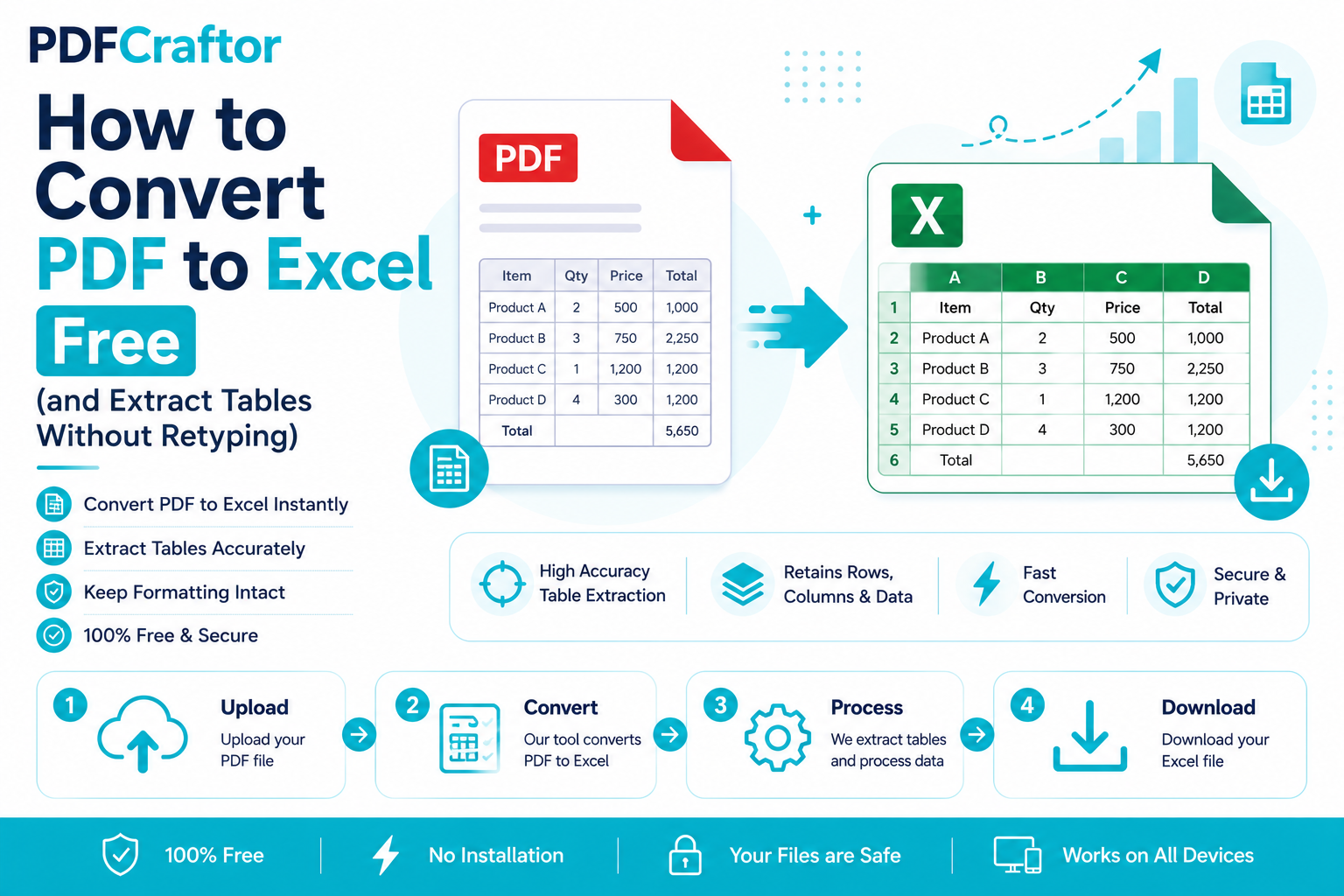
How to Convert PDF to Excel Free (and Extract Tables Without Retyping)
Learn how to convert PDF to Excel free and extract tables into editable spreadsheets, no manual retyping, no software. Works for bank statements and reports.
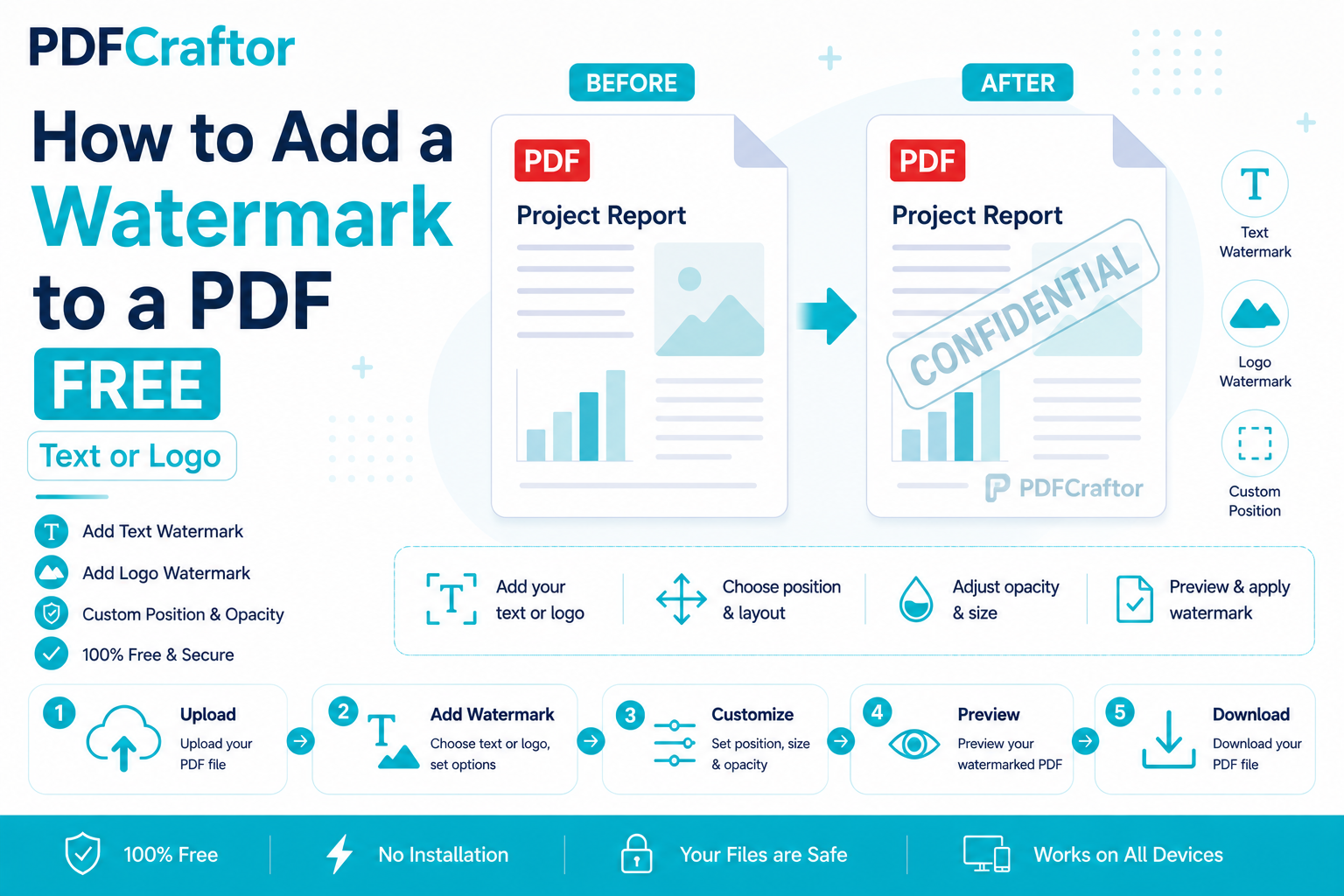
How to Add a Watermark to a PDF Free (Text or Logo)
Learn how to add a watermark to a PDF free stamp text like "Confidential" or your logo across pages, set opacity and position, online with no software.